

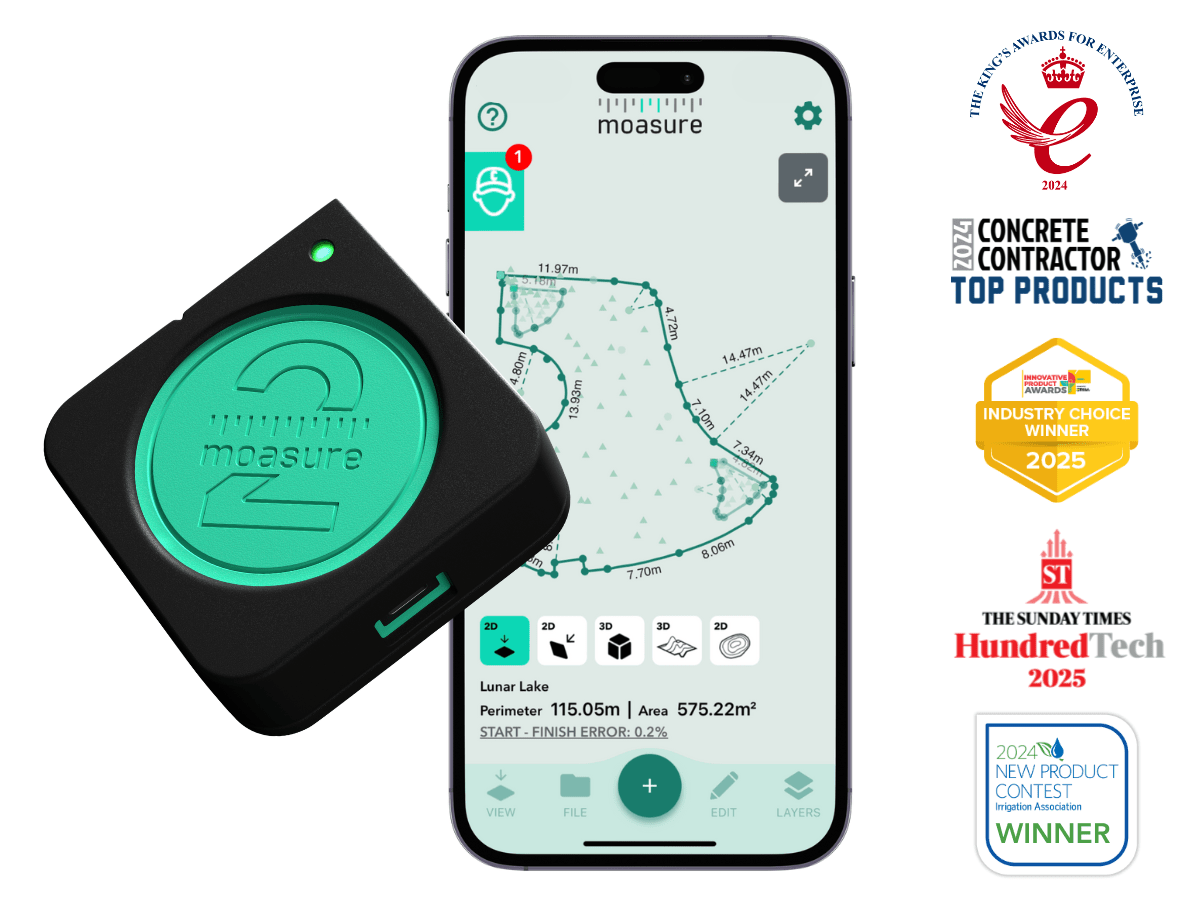






Moasure® 2 PRO

Rated 4.7・100,000+ units sold
€829
No subscription required
Moasure 2 PRO’s advanced motion-sensor engine delivers tighter measurements when accuracy matters most.
Measure and draw irregular jobsites with the only motion-based measuring technology that captures perimeter, area, elevation, and volume as you walk.

Measure with up to ±0.3% error
Capture area, elevation, perimeter & volume
Export measurements to CAD or PDF
Locate X, Y co-ordinates with
Add to cart - €829

Money-back guarantee
Try it risk-free for 60-days
Try Moasure 2 PRO on your jobsites for 60 days. If it’s not the right fit, send it back for a full refund.
Learn more

60-day money-back guarantee

Fast & Free
EU delivery

Moasure 2-year warranty

Linear Distance
±0.3% error
±5 cm over 15 m

Elevation
±0.3% error
±6 mm over 2 m

Perimeter
±0.5% error
±15 cm over 30 m

Area
±1% error
±0.2 m² over 20 m²

Volume
±1.5% error
±1.2 m³ over 75 m³

Layout
±1% error
±0.2 m² over 20 m²
For best accuracy, use correct Moasure technique.

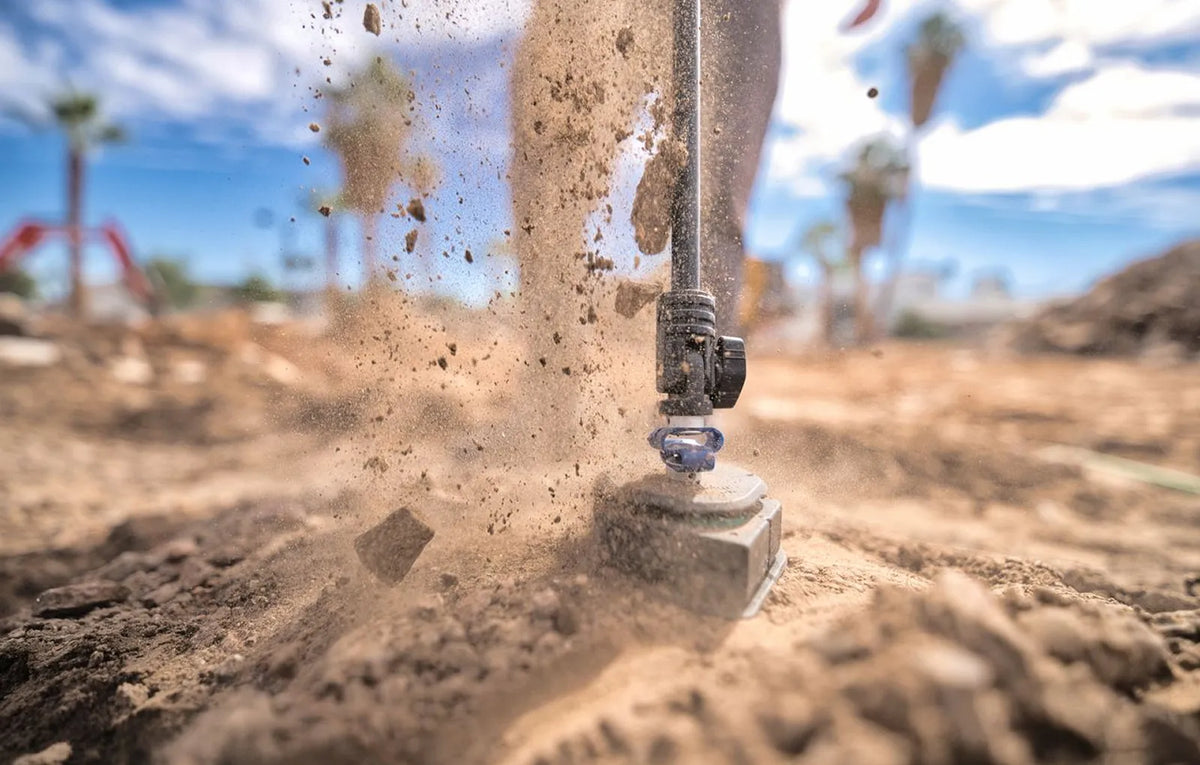
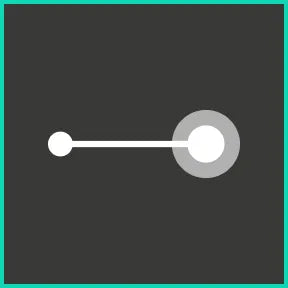
Linear Distance
±0.3% error
±5 cm over 15 m
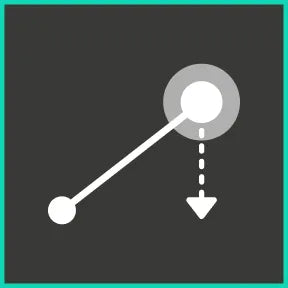
Elevation
±0.3% error
±6 mm over 2 m
Perimeter
±0.5% error
±15 cm over 30 m
Area
±1% error
±0.2 m² over 20 m²

Volume
±1.5% error
±1.2 m³ over 75 m³
Layout
±1% error
±0.2 m² over 20 m²
For best accuracy, use correct Moasure technique.
All orders are shipped via free tracked delivery from our European warehouse.
Standard delivery takes between 3–7 days, with next-day delivery available in some countries.
You’ll receive order and shipping confirmation emails with tracking details.
Tracking may take up to 24 hours to update.
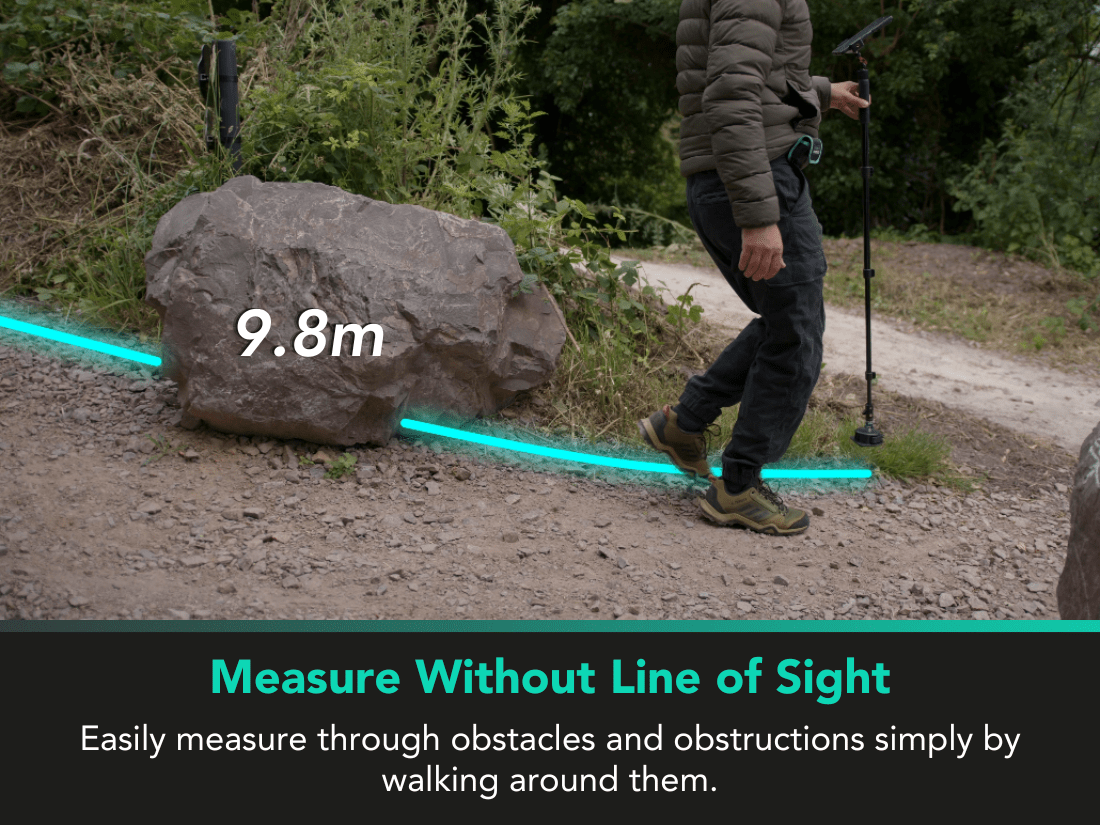
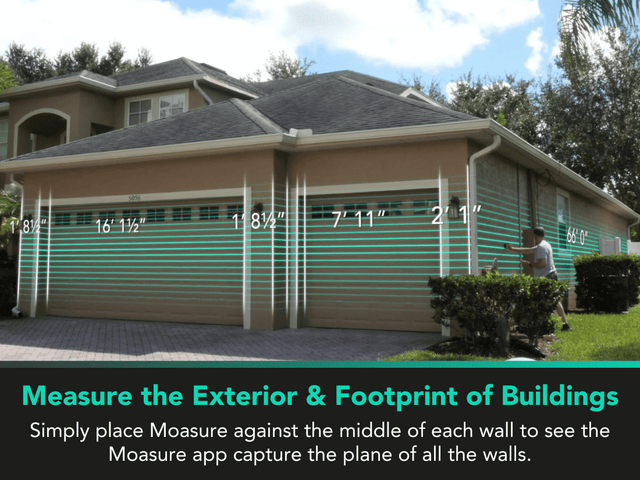
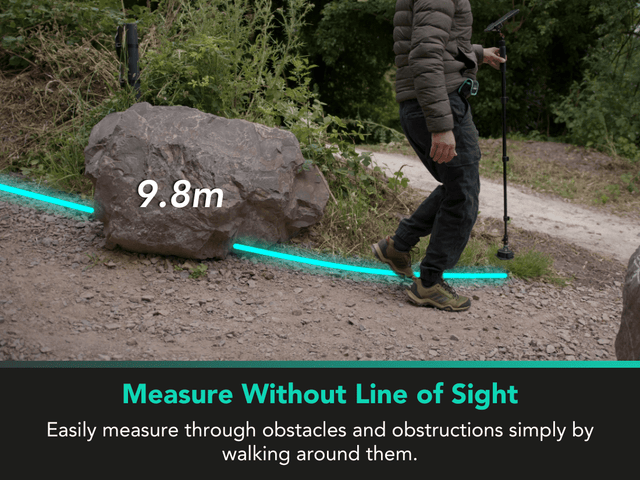
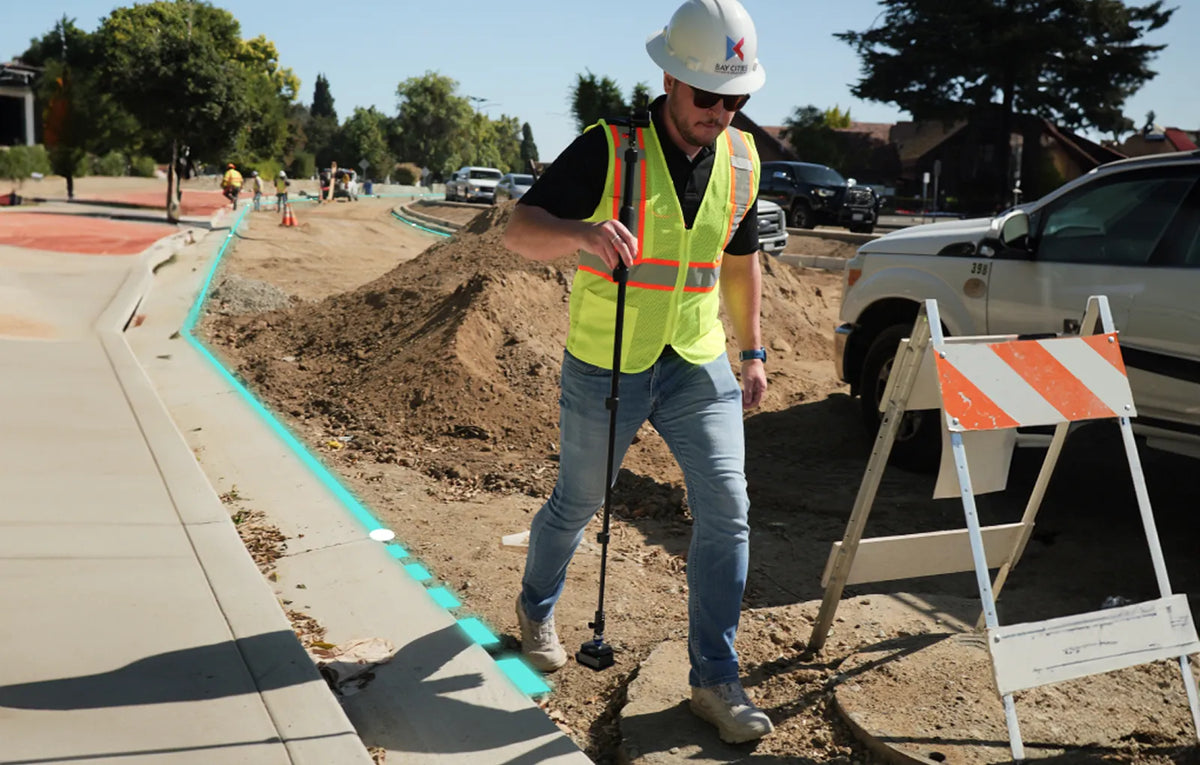
Moasure is a pocket-sized device that transforms your movement into fully dimensioned site plans. No line of sight, or extra hands required.
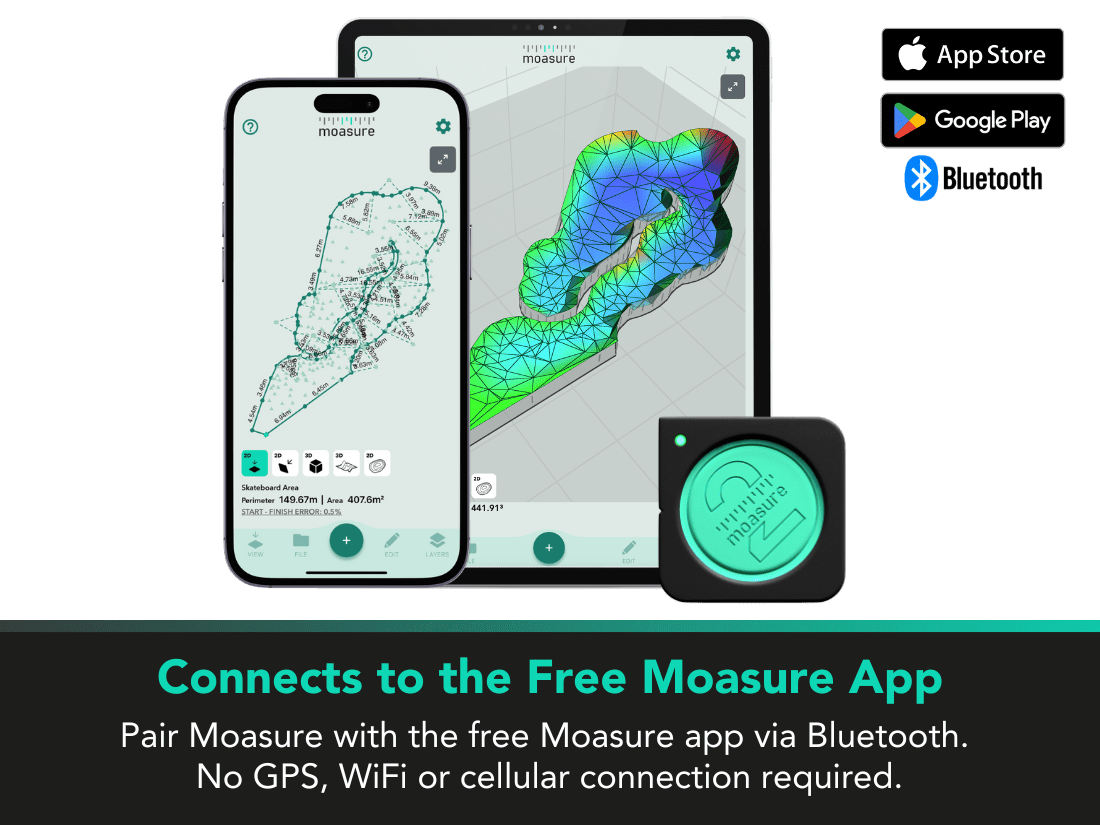
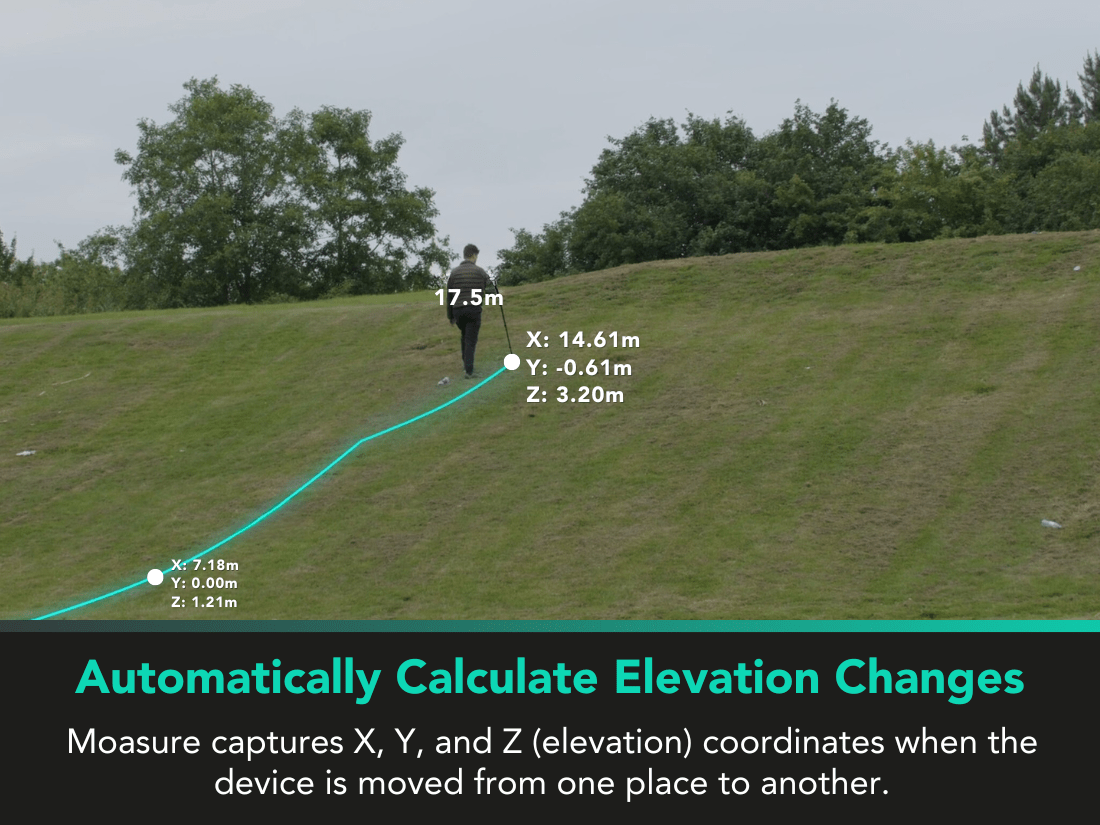
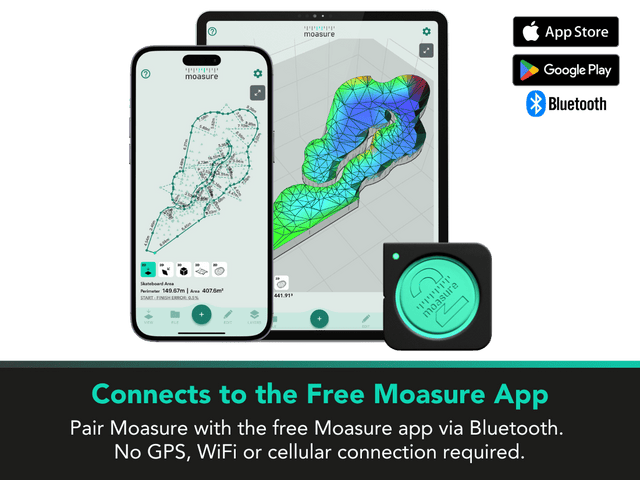
It uses motion-based technology to track your motion in all 3 dimensions with no GPS, mobile signal or internet required.
Learn more about how Moasure works

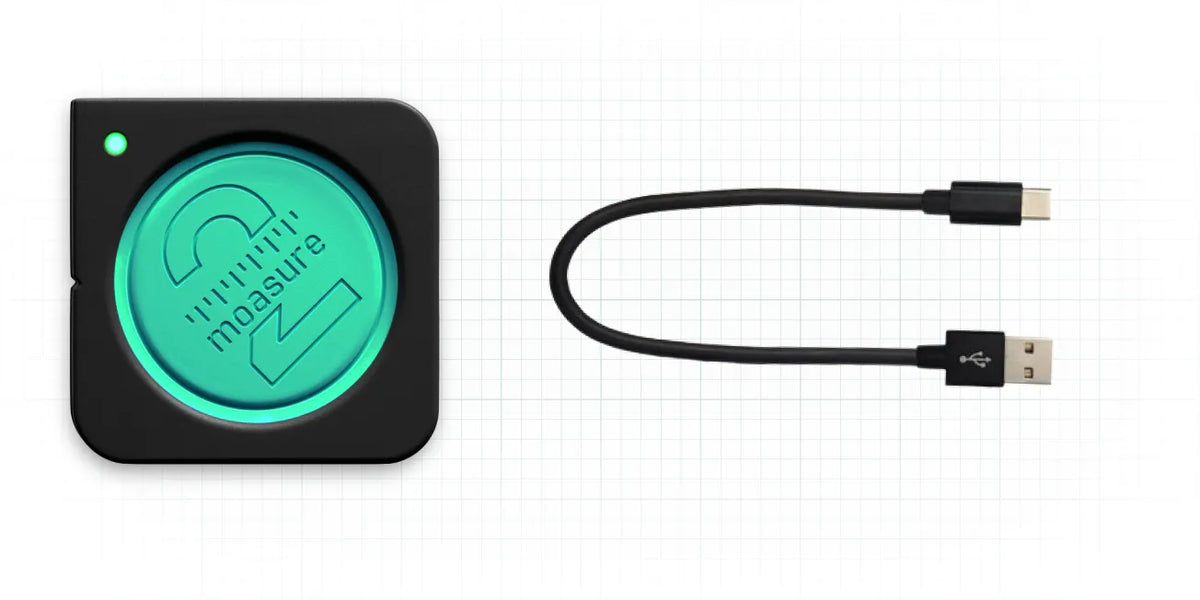
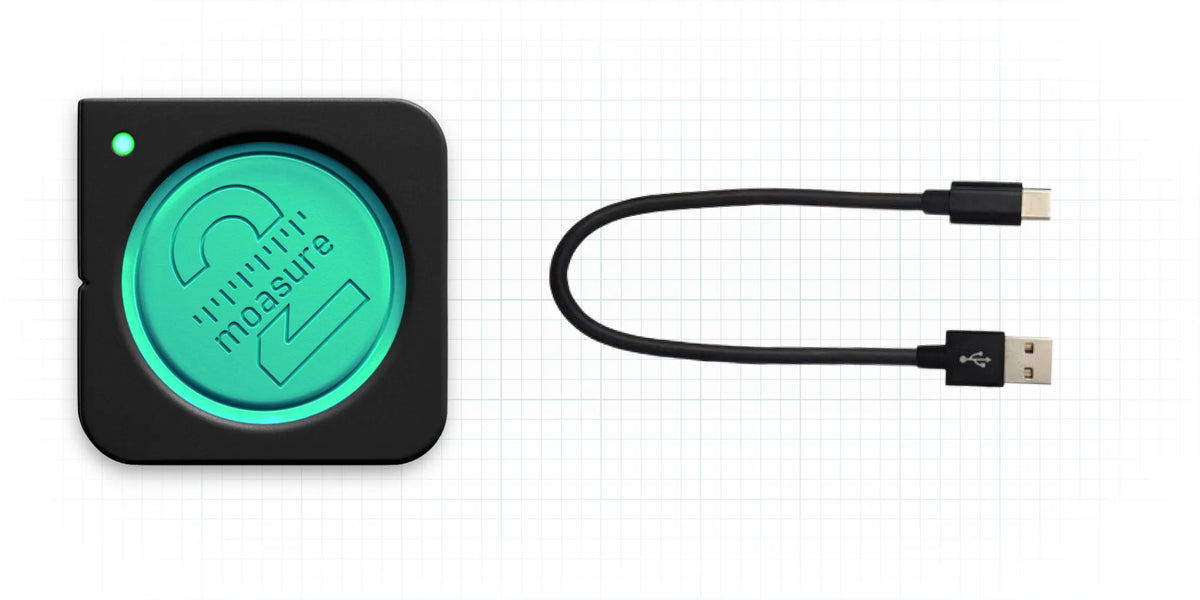
Moasure 2 PRO and USB-C Cable
Our patented pocket-sized motion-based measuring device and a USB-C cable for charging and firmware updates.
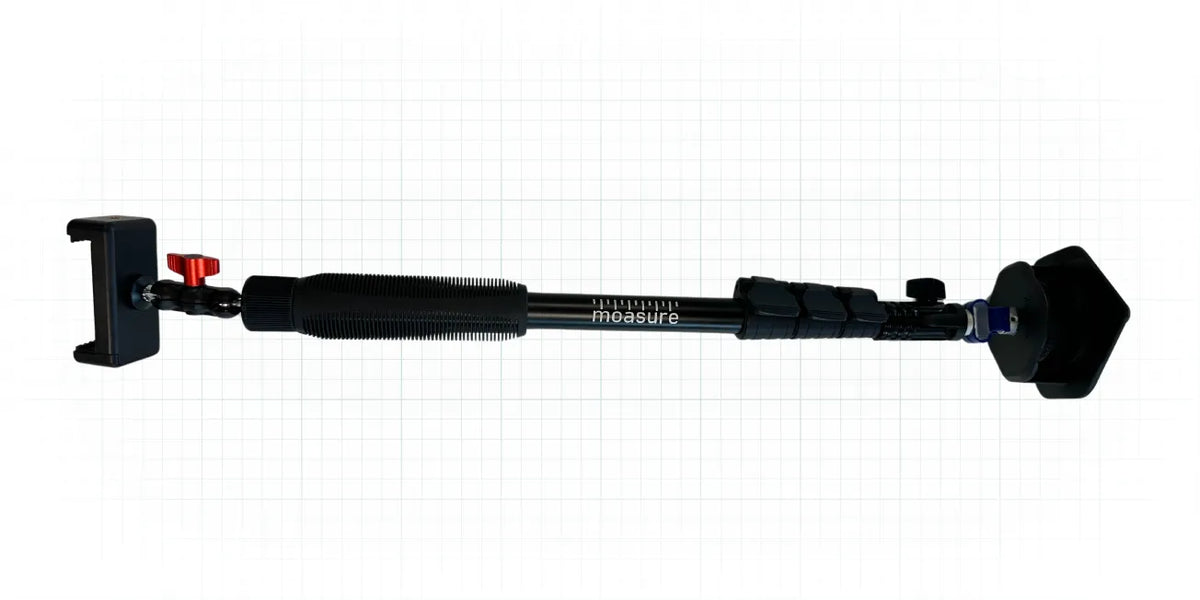
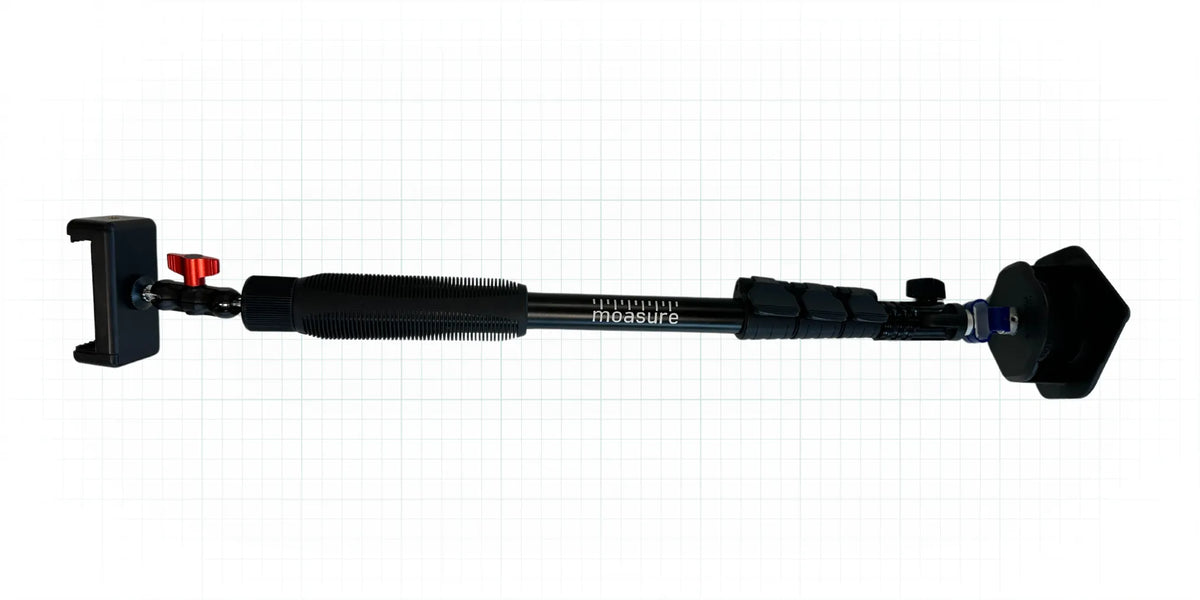
Moasure STICK
Measure in comfort with the Moasure STICK. It secures your phone in one end and the Moasure device on the other to prevent repeatedly bending over to set your Moasure device down.
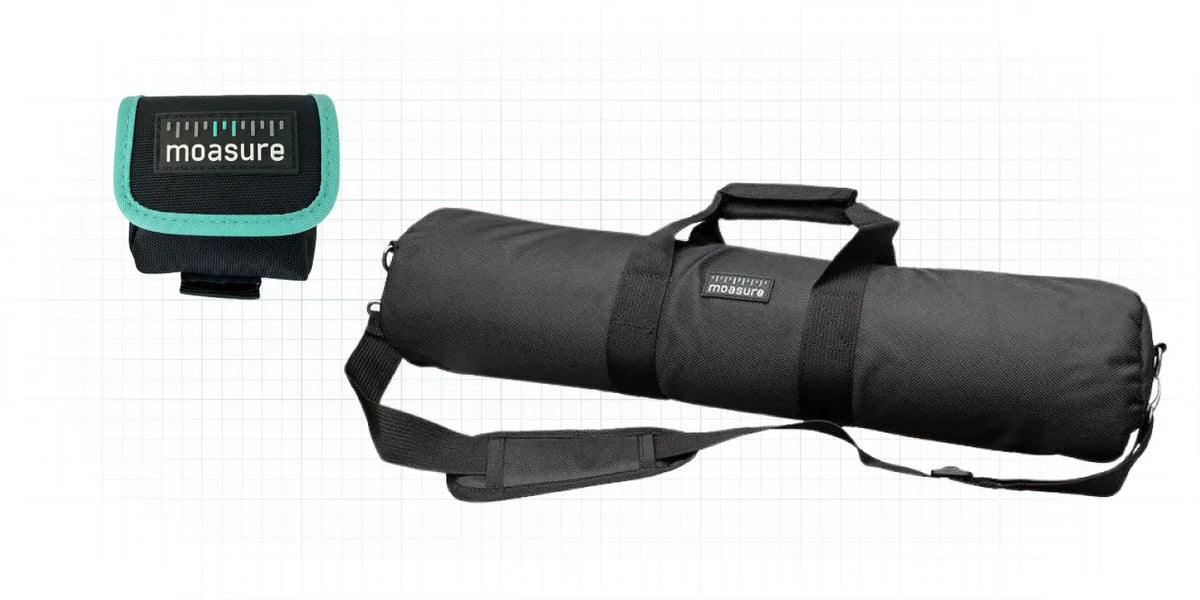
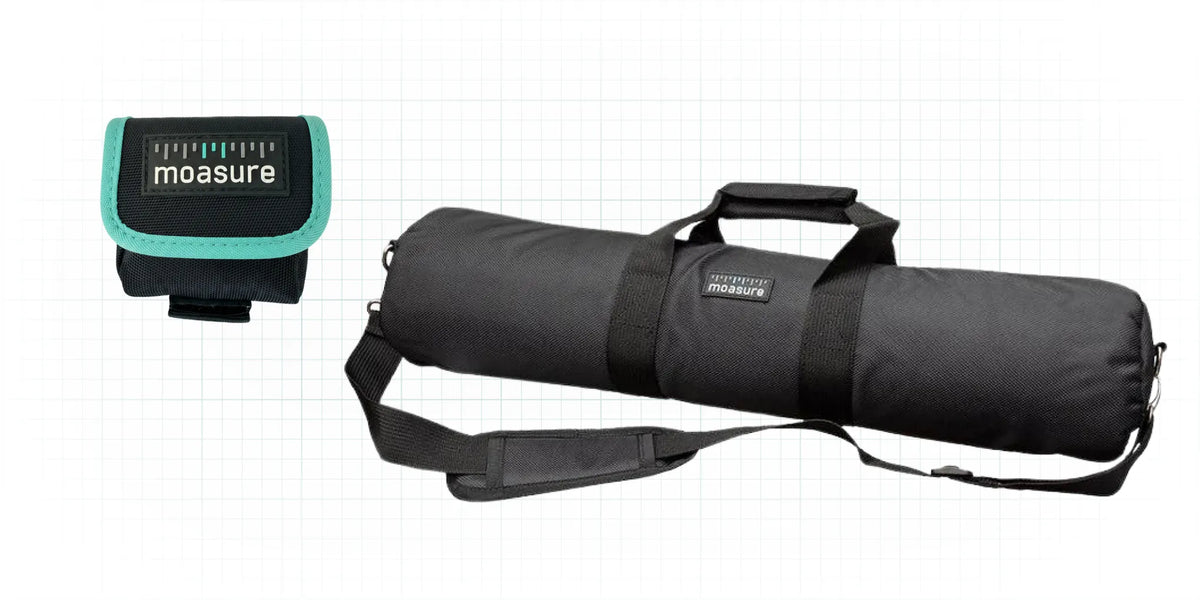
Moasure Belt Pouch and Tool Bag
Conveniently store and protect your Moasure 2 PRO in the belt pouch and keep your Moasure kit together with our branded tool bag.

Getting started support
Every Moasure comes with our in-depth user guide, training videos, in-app coaching and the ability to speak directly with our customer success team.
Moasure requires your smartphone or tablet to have at least Bluetooth 5.0
Operating system: Apple iOS 13 and higher, Android OS 9.0 and higher
Operating Temp: -10C to +50C (14F to 122F)
Storage Temp: -20C to +70C (-4F to 158F)
Shock: Survives 2m drop on to concrete
Sealing: Sealed to IP67 – water-resistant
Certification: CE certified
Battery Type: Lithium polymer
Battery Life: 10 hours' continuous measuring
Recharge Method: USB C (cable supplied)
Recharge time:2 -3 hours
Moasure devices are built to last. Alongside our 60-day free trial, every device includes a two-year warranty.
The warranty starts on delivery and covers the device and accessories against defects in materials and workmanship.
Try it risk-free for 60-days
Access crucial site data in minutes with Moasure 2 PRO
Discover the features that make the Moasure 2 PRO suited for irregular jobsites.
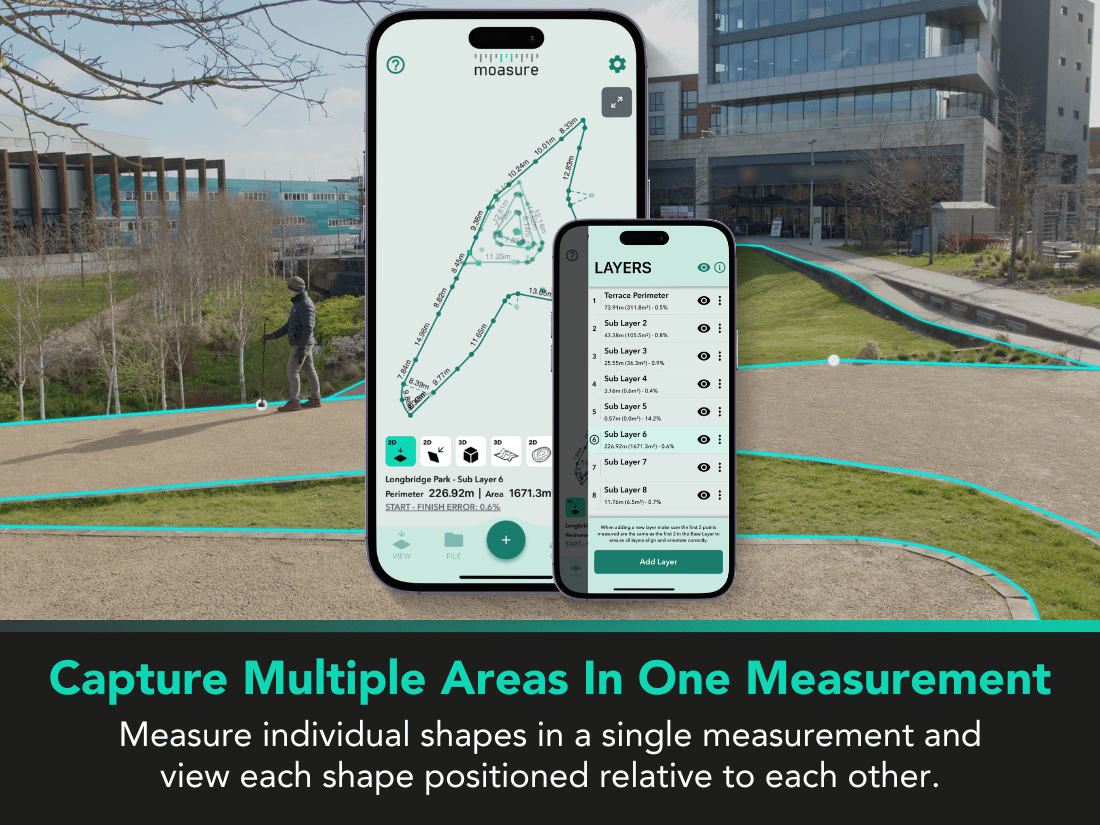
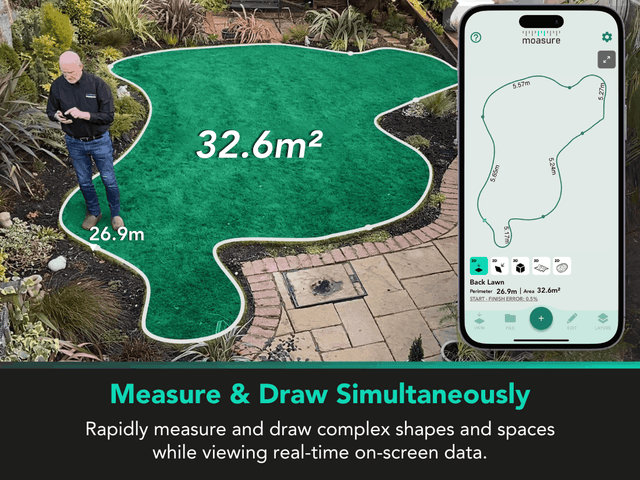
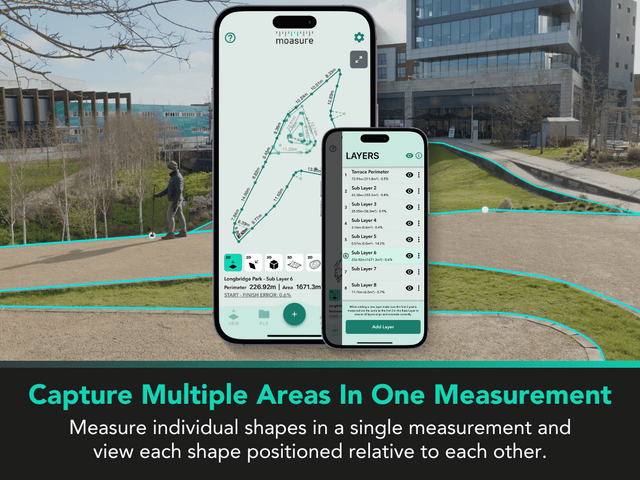
Measure and draw complex jobsites at the same time
Moasure detects your movement in real time, allowing you to trace intricate, accurate site plans quickly on the Moasure app. Visualise your measurements in real-time as the app draws site plans as you walk.
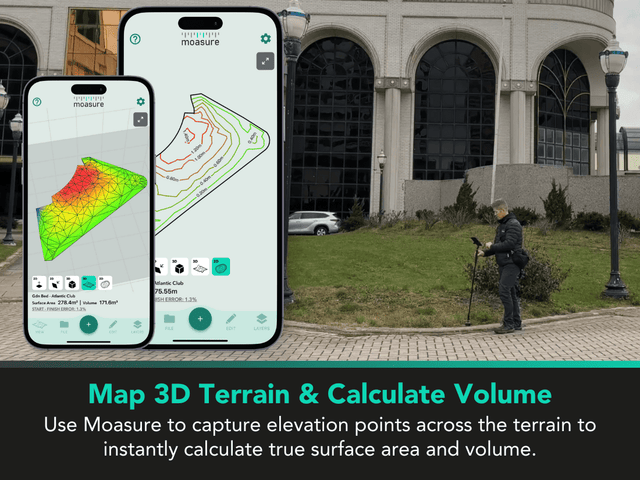
Rapidly calculate area, elevation, volume and more
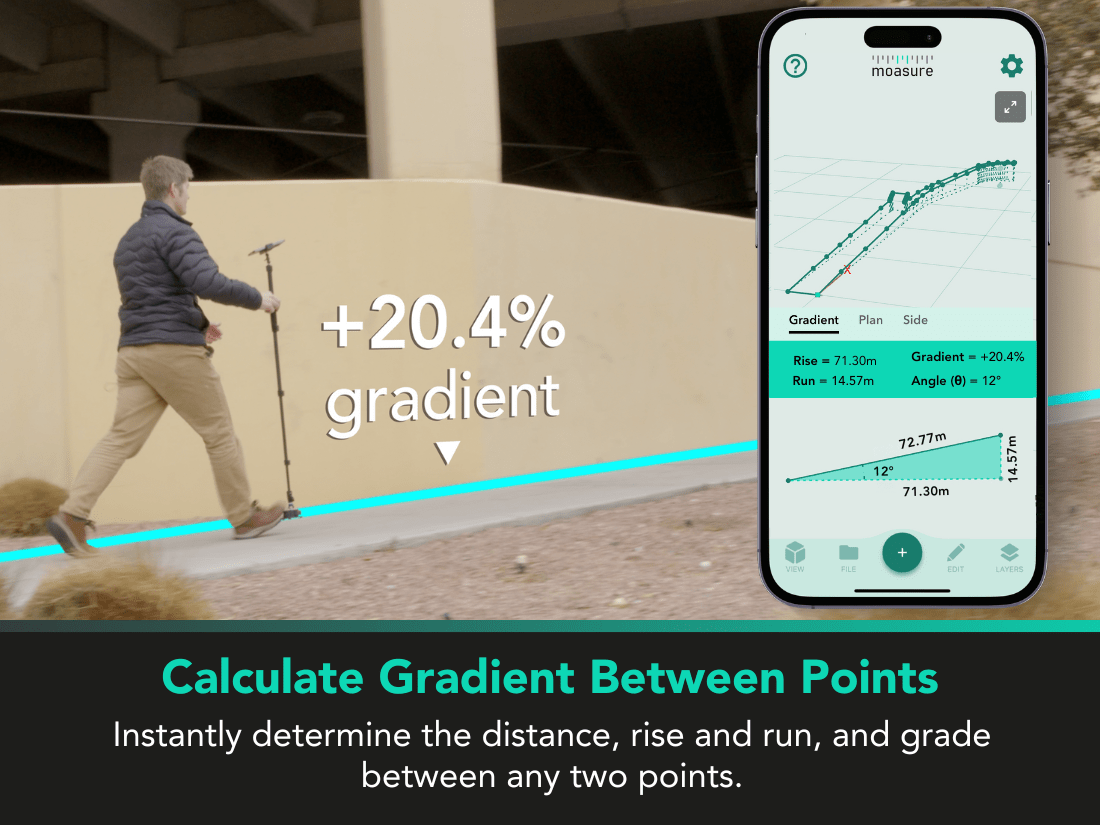
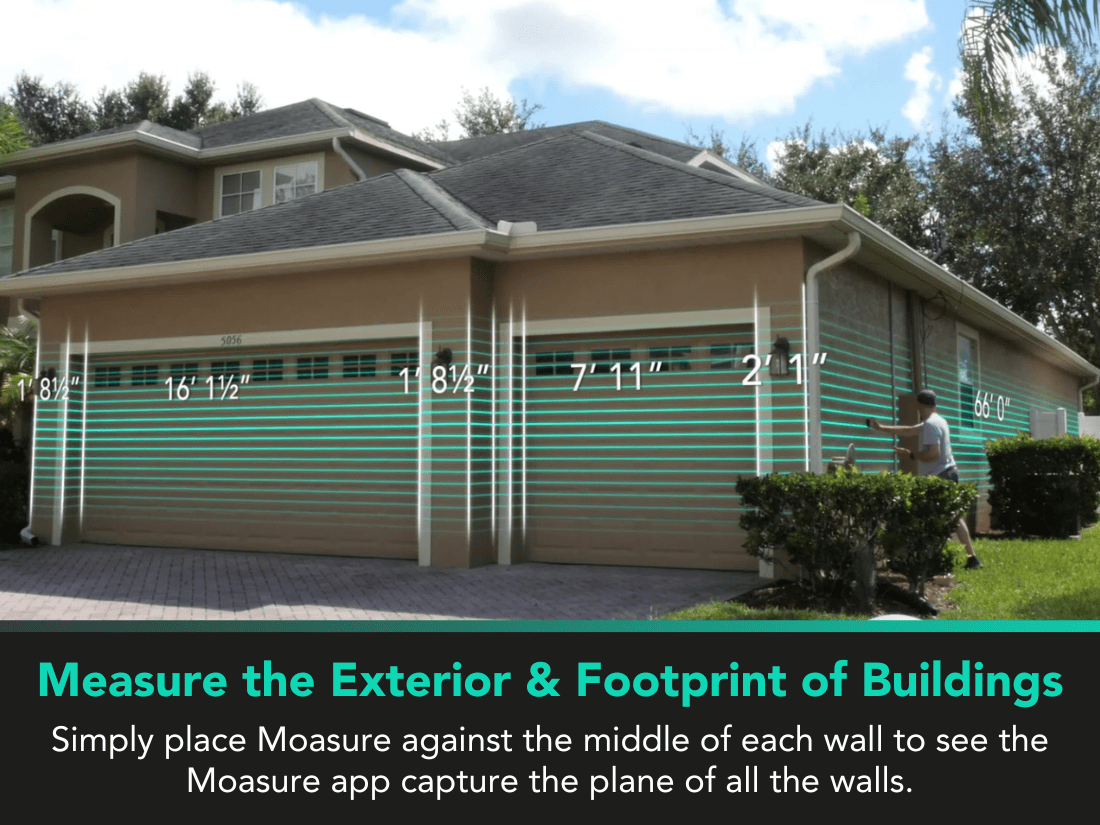
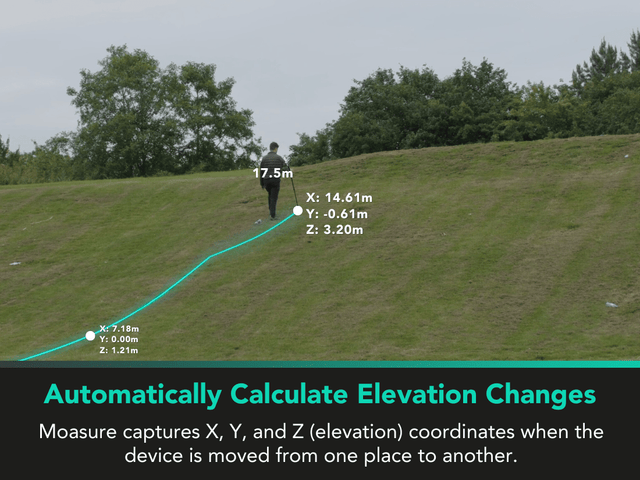
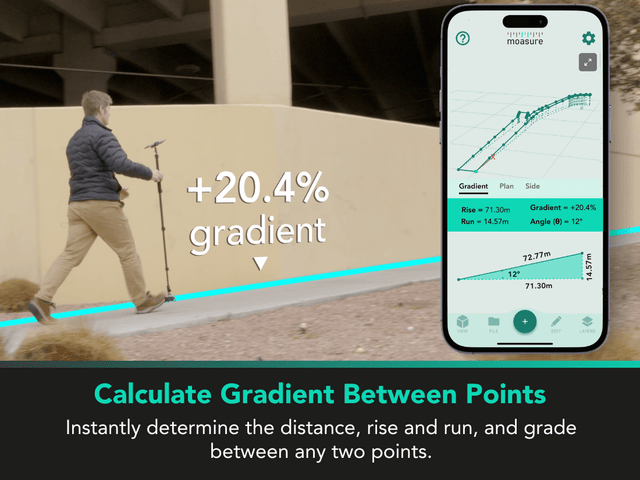
Moasure captures points every 6-8 seconds to create fully-dimensioned site plans. Automatically capture perimeter, area, volume, elevation, plus the rise and run between any two points on your site plan.
Instantly share professional plans with clients or colleagues
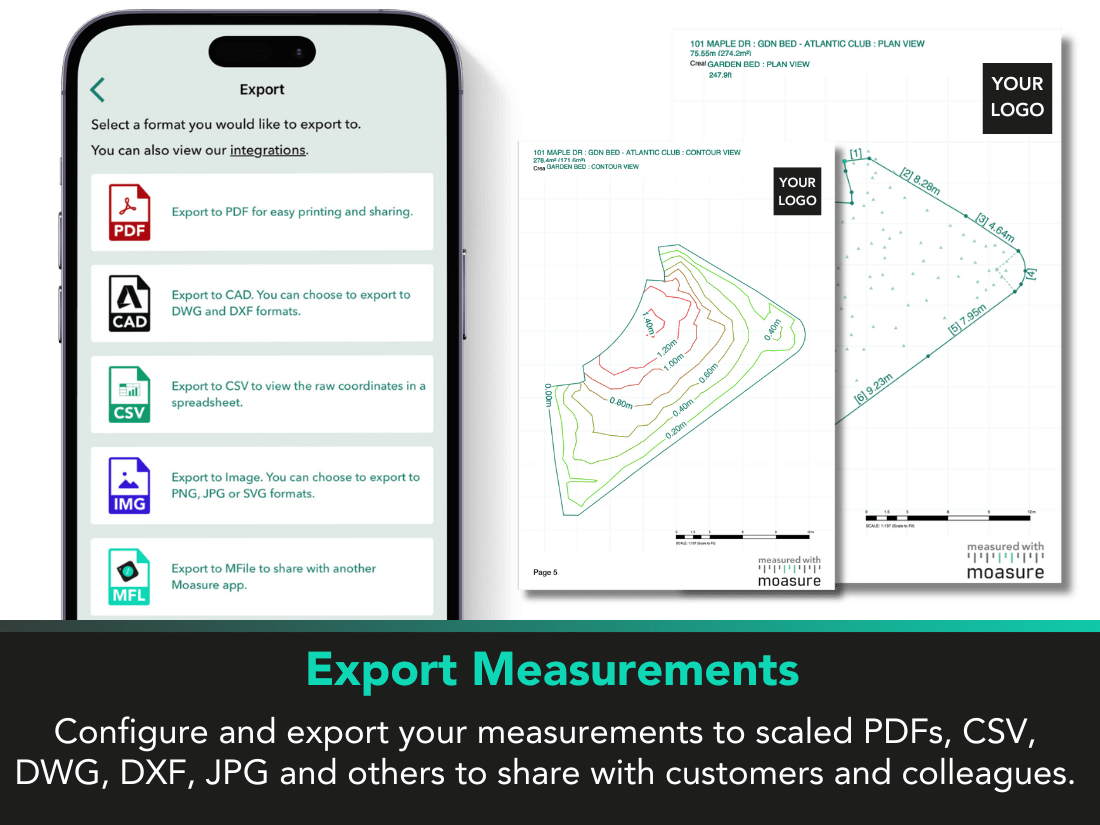
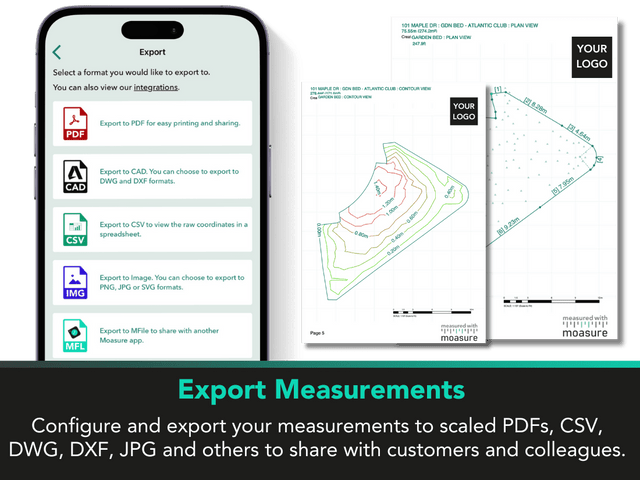
Once you’ve finished your measurement, effortlessly export it to a range of file formats. Share professional, custom-branded PDFs with clients, or import the measurement to your CAD software via DWG or DXF.
Exclusive to Moasure 2 PRO
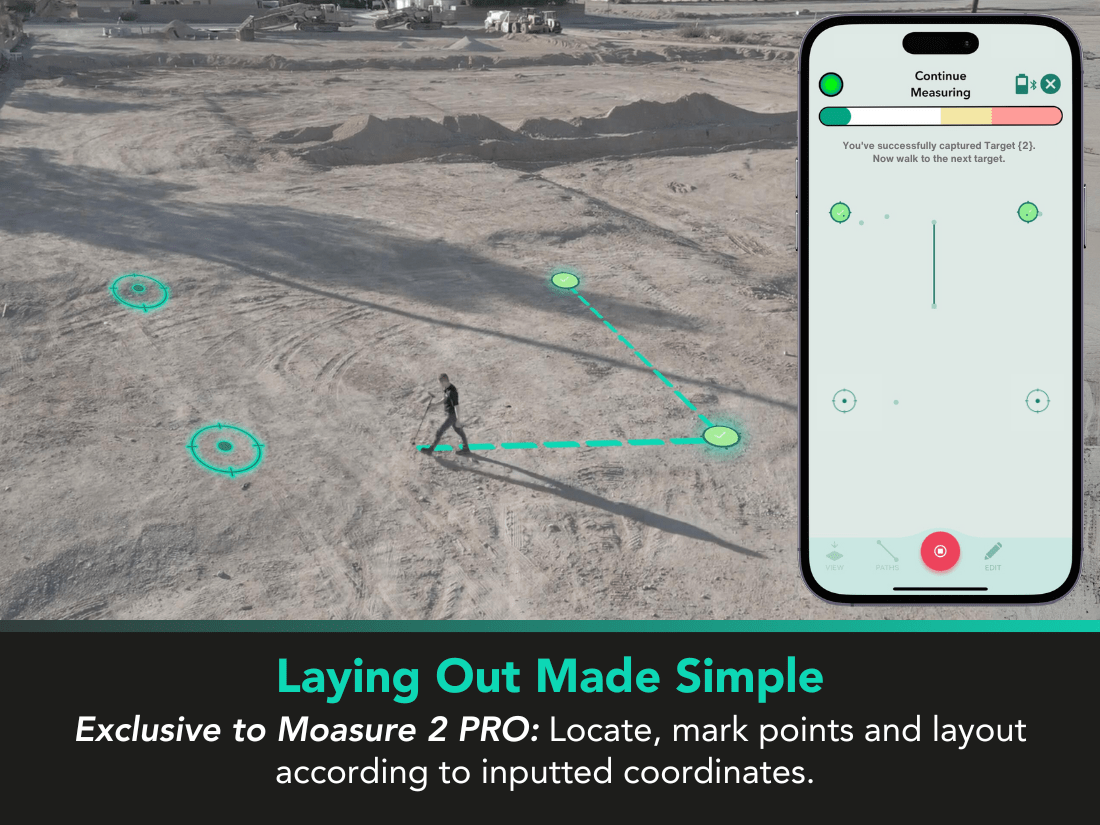
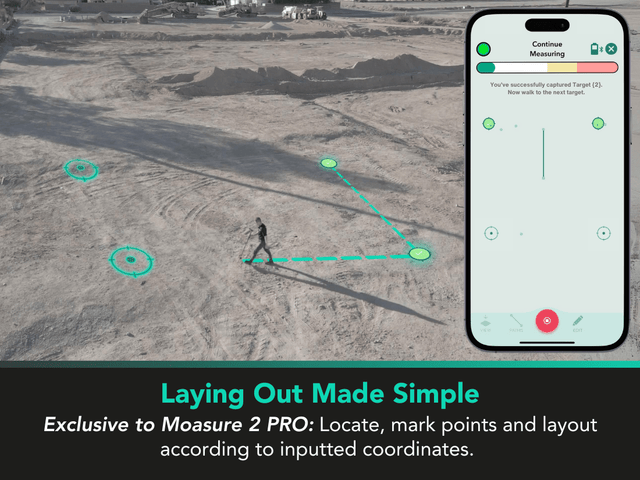
Stake out existing plans with Layout Mode
Layout Mode guides you from point to point, enabling you to mark out CAD files, CSVs, or previous Moasure measurements. Work quickly and independently to plot rough plans and temporary structures.
Learn more about Moasure’s features

Trusted by 100,000+ professionals
Customer Reviews
From a Main Contractor QS point of view, we’ve been using the Moasure tool on site and it’s made a noticeable difference, especially when it comes to measuring up justifying works. With this, you can walk it once and have your measurements straight away.
For things like irregular areas, groundworks, or anything that’s not clearly defined on drawings, it cuts out a lot of back and forth. Less time measuring means quicker take-offs, quicker pricing, and less time wasted on it.
It reduces the risk of errors when transferring measurements and speeds up the whole process of putting numbers together. Once you get used to it, it’s consistent enough to rely on for day-to-day work, wheter its just paving or a complicted cut and fill.
It’s practical. There’s no big setup or messing about—it fits into how sites actually run.
As an MC, you need tools that don’t hold things up or confuse lads on site. This isn’t one of those gadgets that looks good but never gets used. It’s simple enough that it just becomes part of the routine.
Another big advantage is the backup it gives you. The data it produces is clear and easy to show, which makes it very hard for anyone to dispute measurements
From a main contractor’s point of view, that’s important when dealing with subcontractors, variations, or agreeing quantities. Moasure gives measurements, you can stand over.
Welldone Moasure.
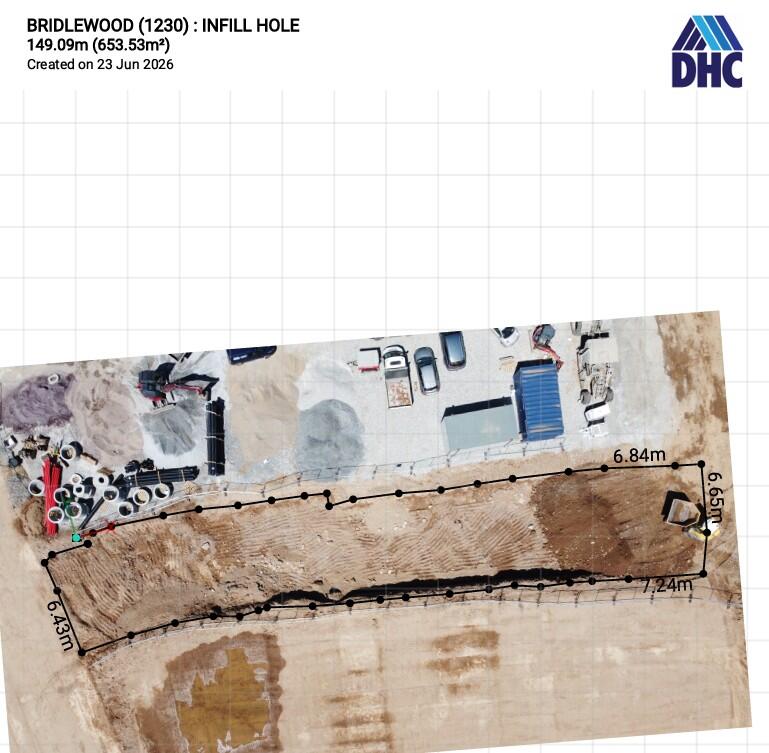
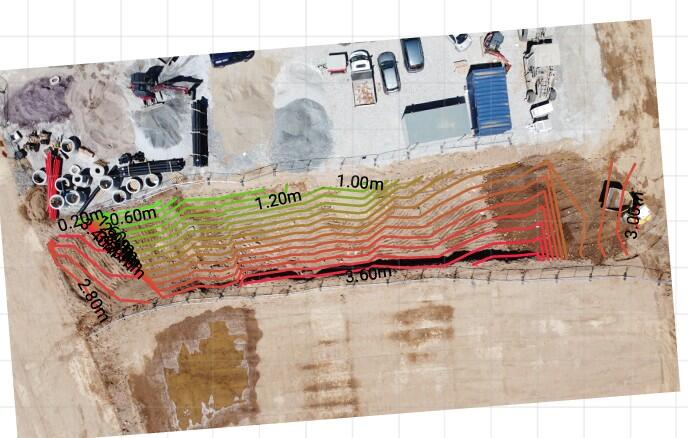
The concrete work that we provide is concrete yards and driveways. Some jobs are really difficult to measure accurately the moasur one takes all the guessing out of it. Makes measuring for concrete so easy and more importantly you don't miss out on any sqmtr for pricing. Moasure one is up there with one of the best pieces of equipment I've purchased. McMahon construction services
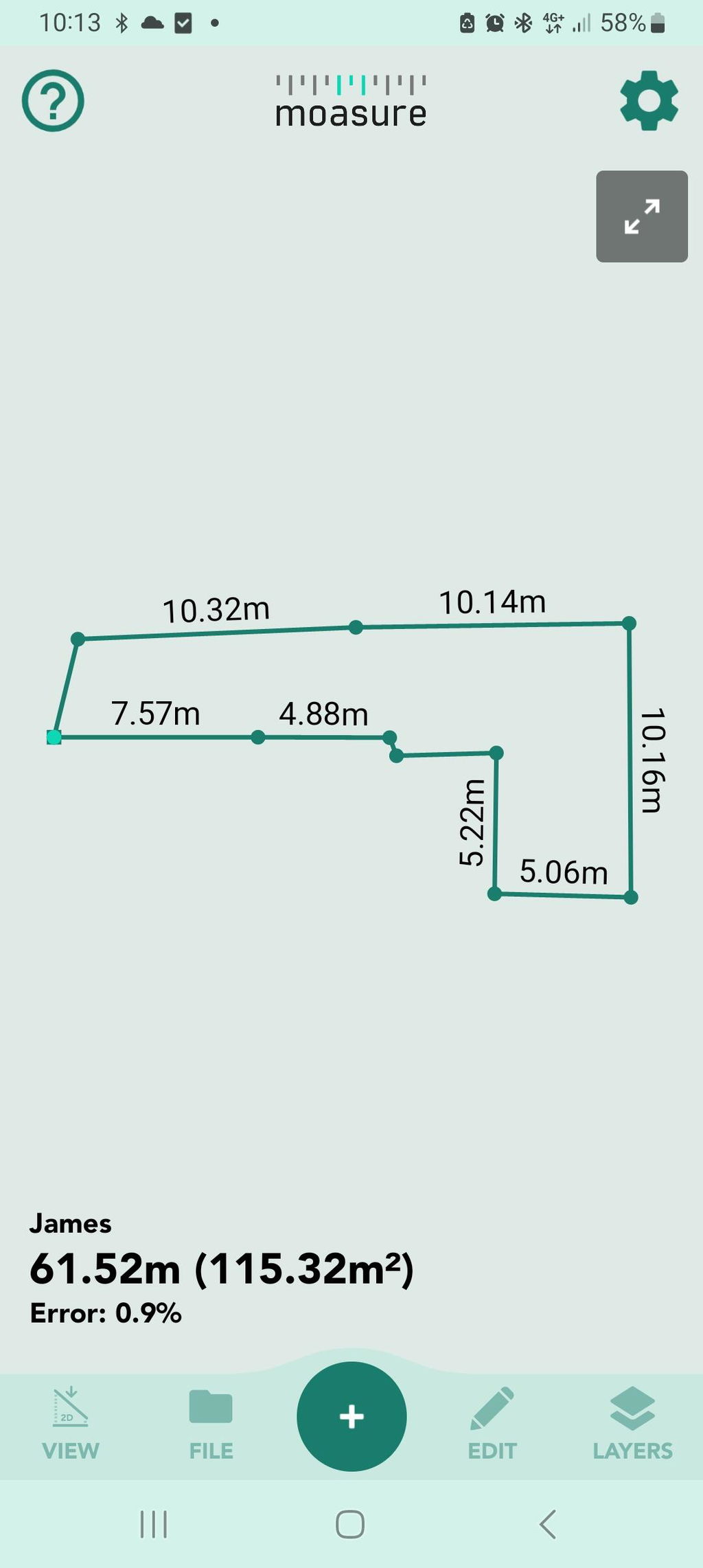
L'appareil est très bon avec une bonne autonomie. Très facile d'utilisation et très intuitif, l'appareil se maitrise après juste quelques essais. L'appareil fait vraiment gagner beaucoup de temps sur une prise de cote classique.
Néanmoins, une fonction qui permettrait à l'appareil d'annuler une mauvaise cote directement pendant la prise de mesure (lorsque l'on s'en rend compte ou lorsqu’elle apparaît en jaune) sans devoir mettre fin à la prise de mesure puis cliquer sur les points à ignorer serait extrêmement appréciable (surtout lorsqu'on a plus d'une cinquantaine de points et que l'on ne se rappelle plus où se trouve le mauvais point à supprimer).
De même, la prise de cote pour les bâtis de porte peut parfois fausser les mesures qui suivent... (notamment lorsque le bâti de porte ou fenêtre est peu épais), peut-être ajouter une fonction "ouverture" serait appréciable.
Mis à part ces points que j'ai relevés, l’appareil est vraiment très bon que j’ai même déjà recommandé à d’autres collègues architectes.
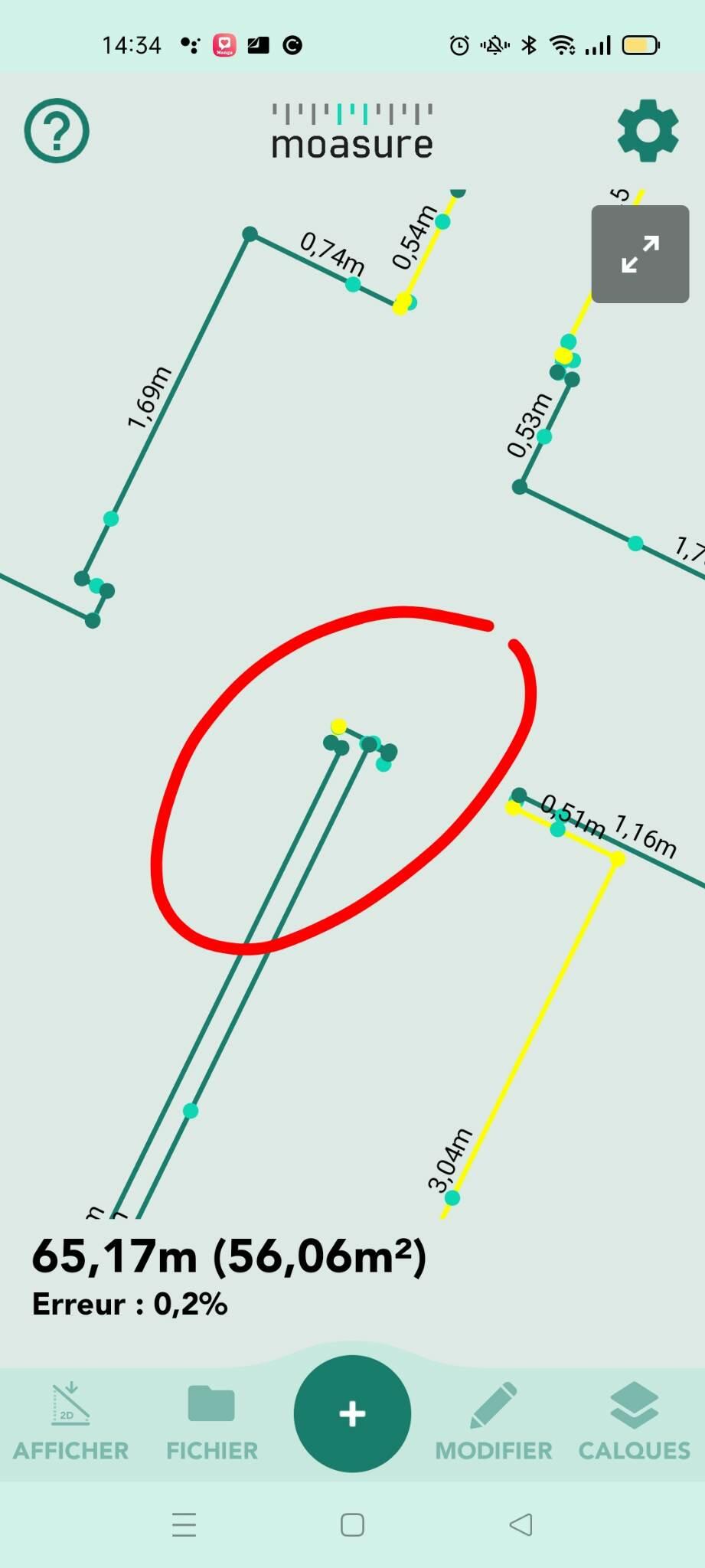
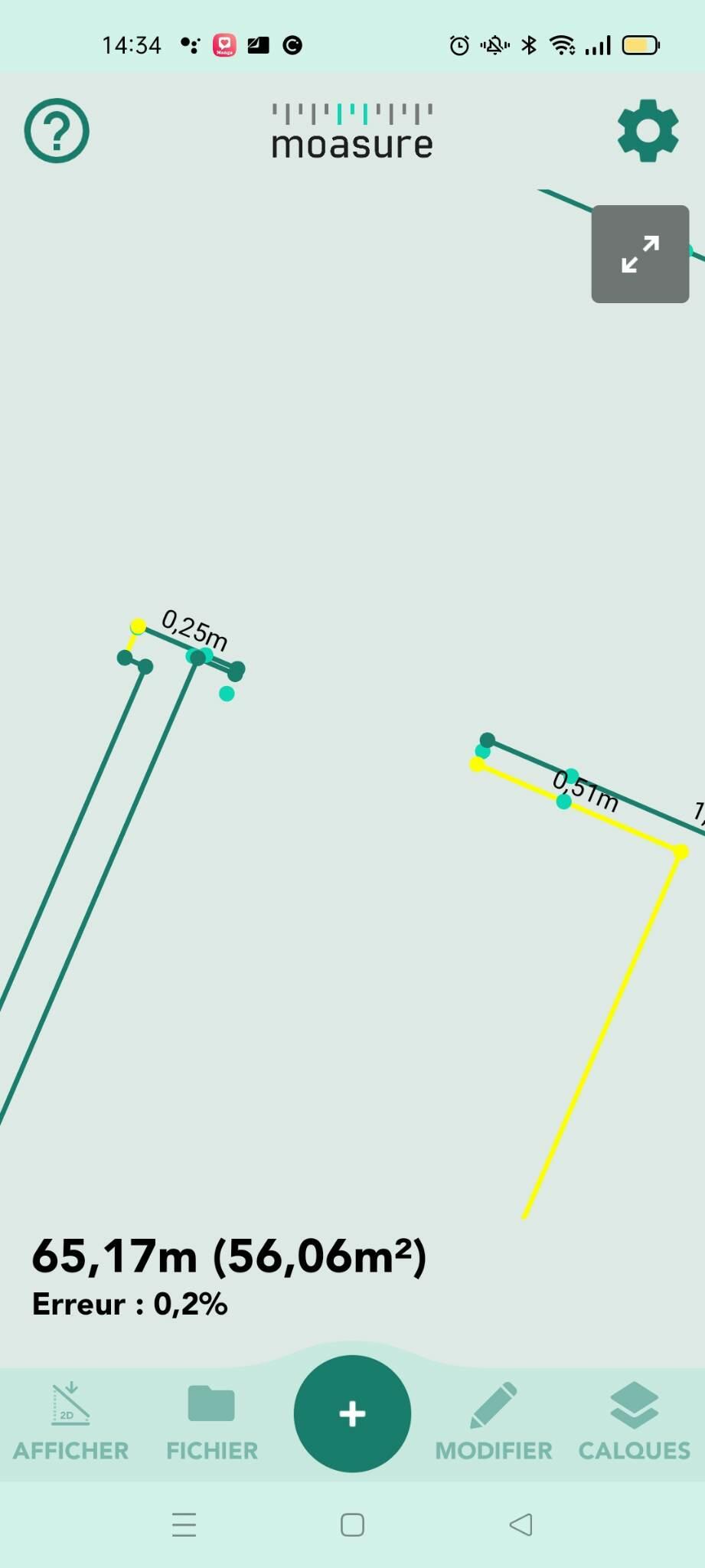
Llevo usando Moasure One alrededor de un mes, y me ha simplificado y agilizado la toma de datos, ya que son bastante precisas y es muy cómodo exportarlas a dxf para su uso en oficina. Lo recomiendo al 100%.
Como ventajas muy notables, es la simplicidad de uso, se conecta fácilmente a la aplicación móvil y la toma de datos es bastante simple como ir avanzando y Moasure One hace el resto.
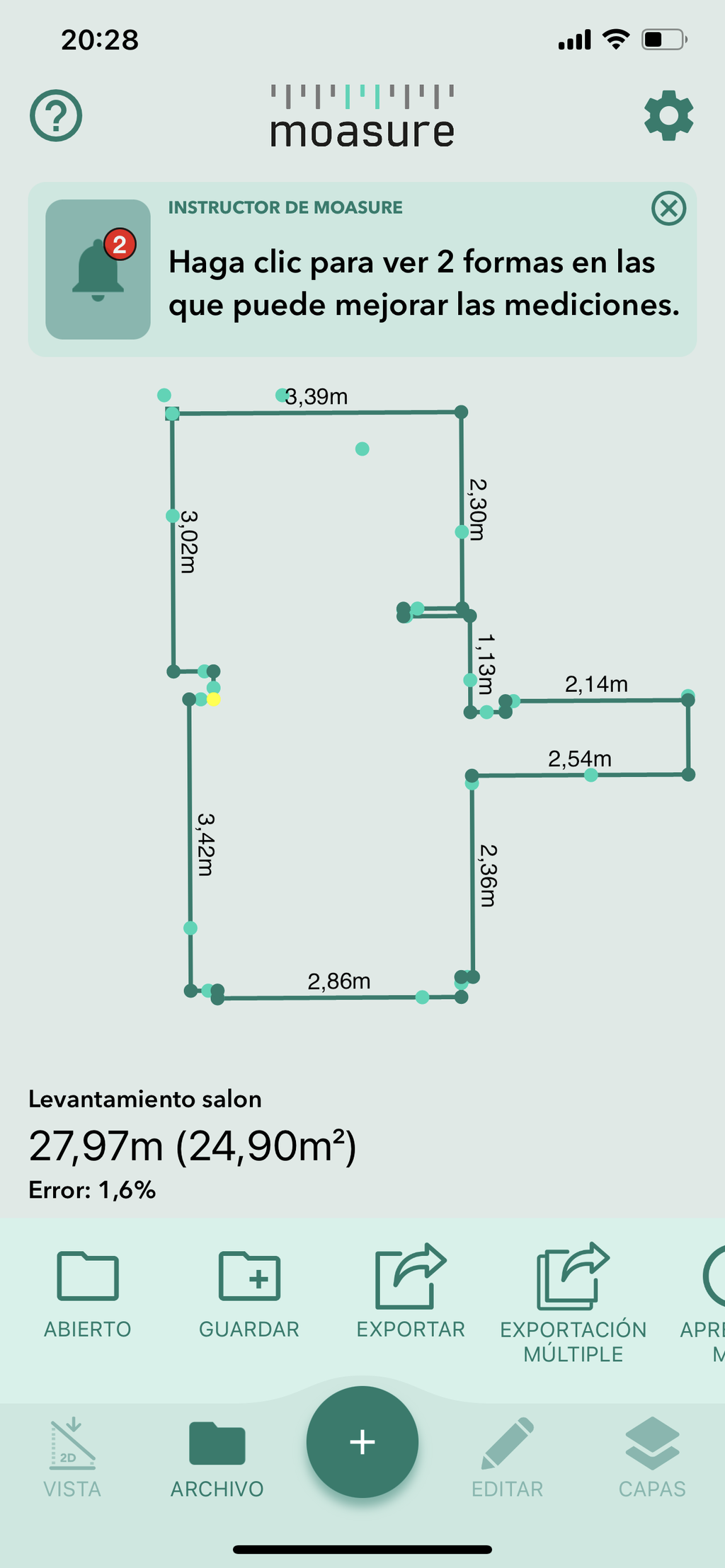
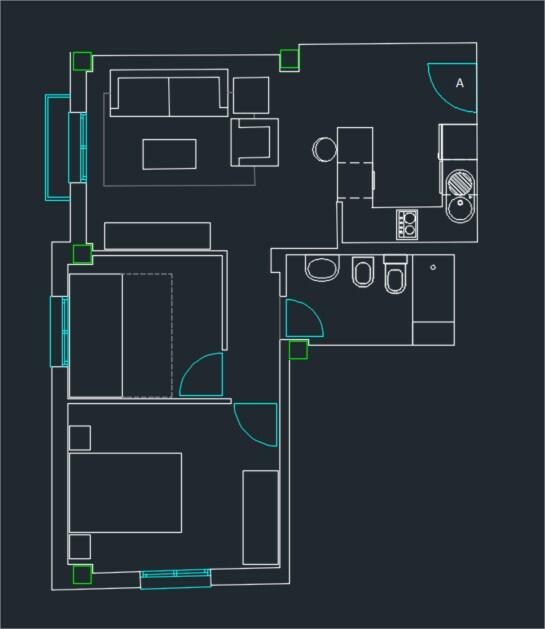
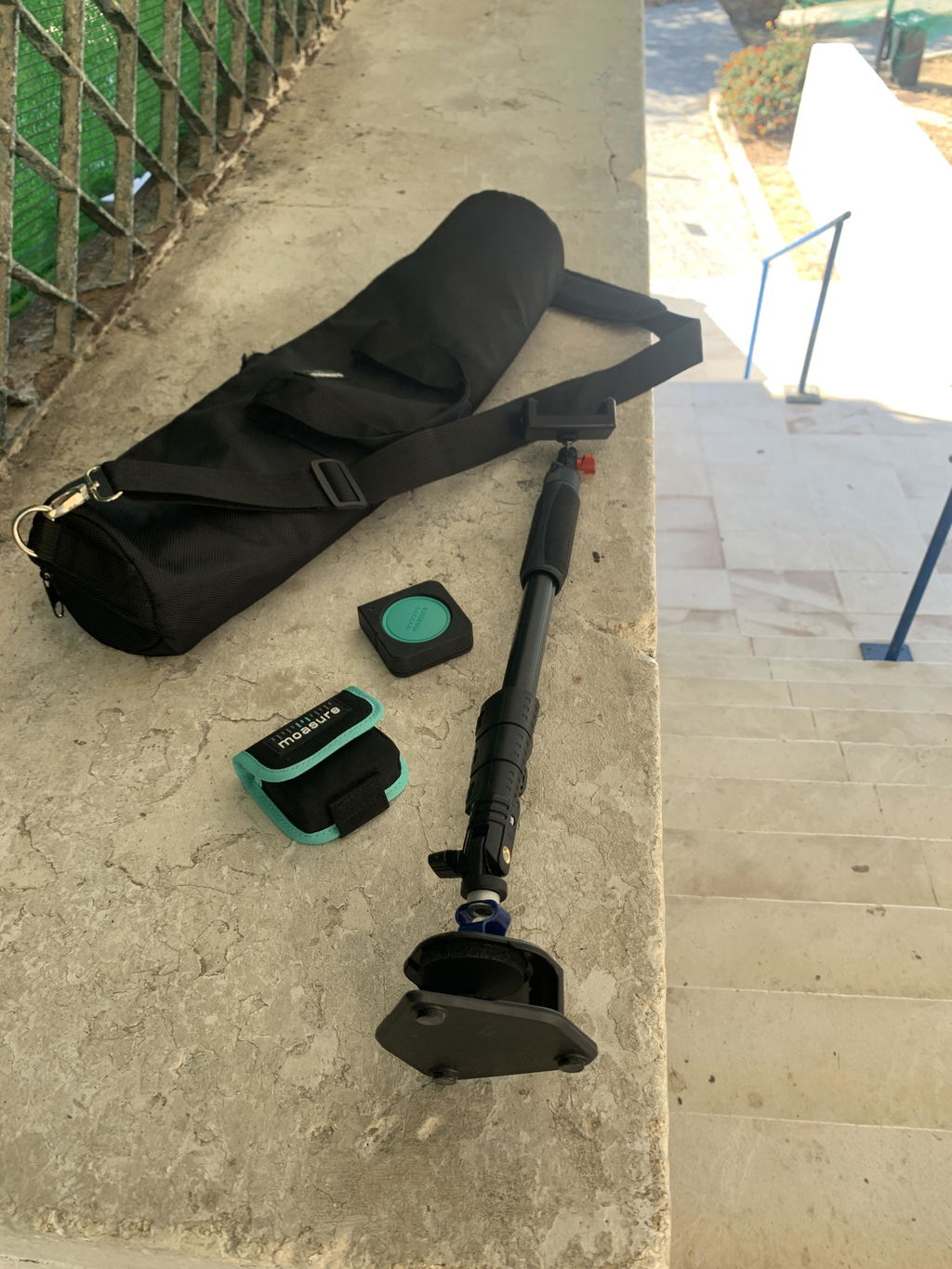
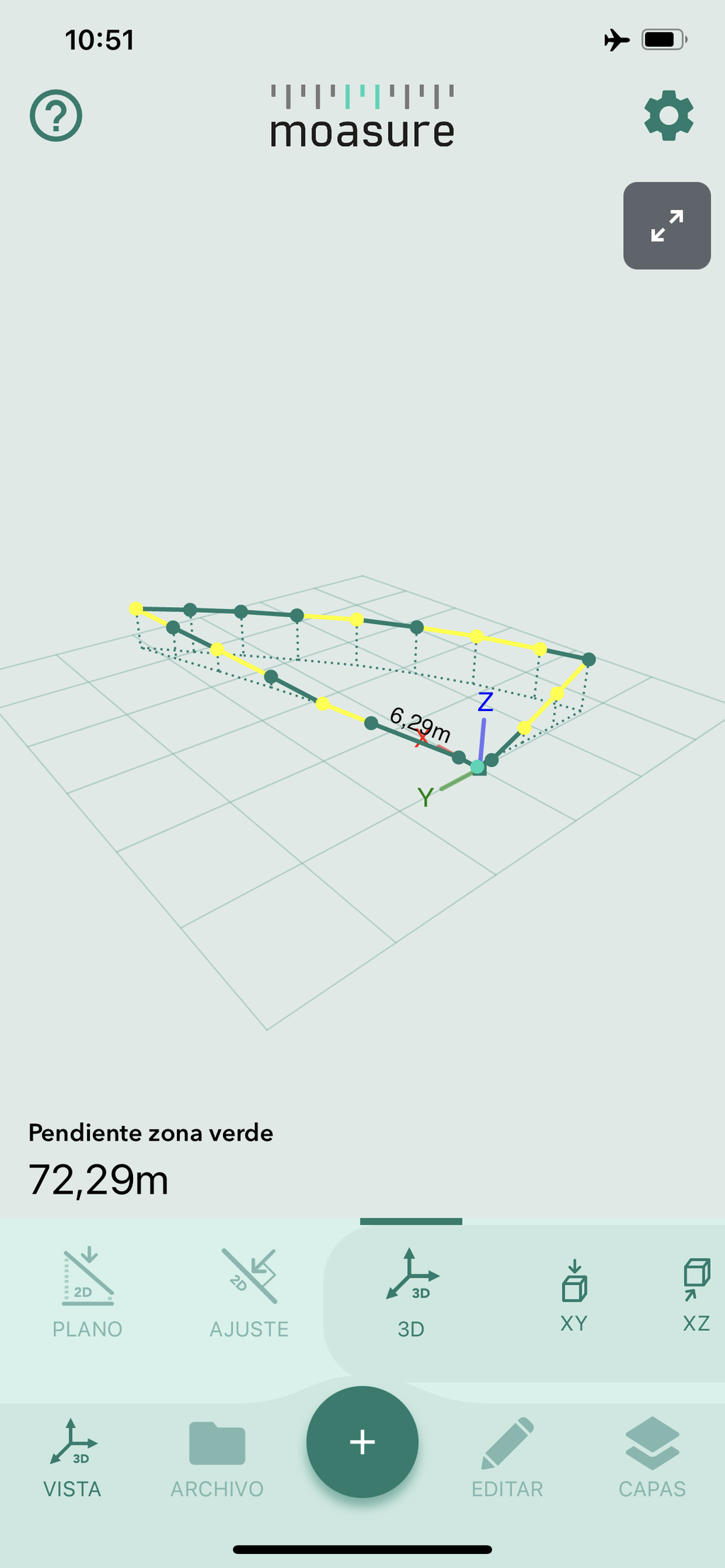
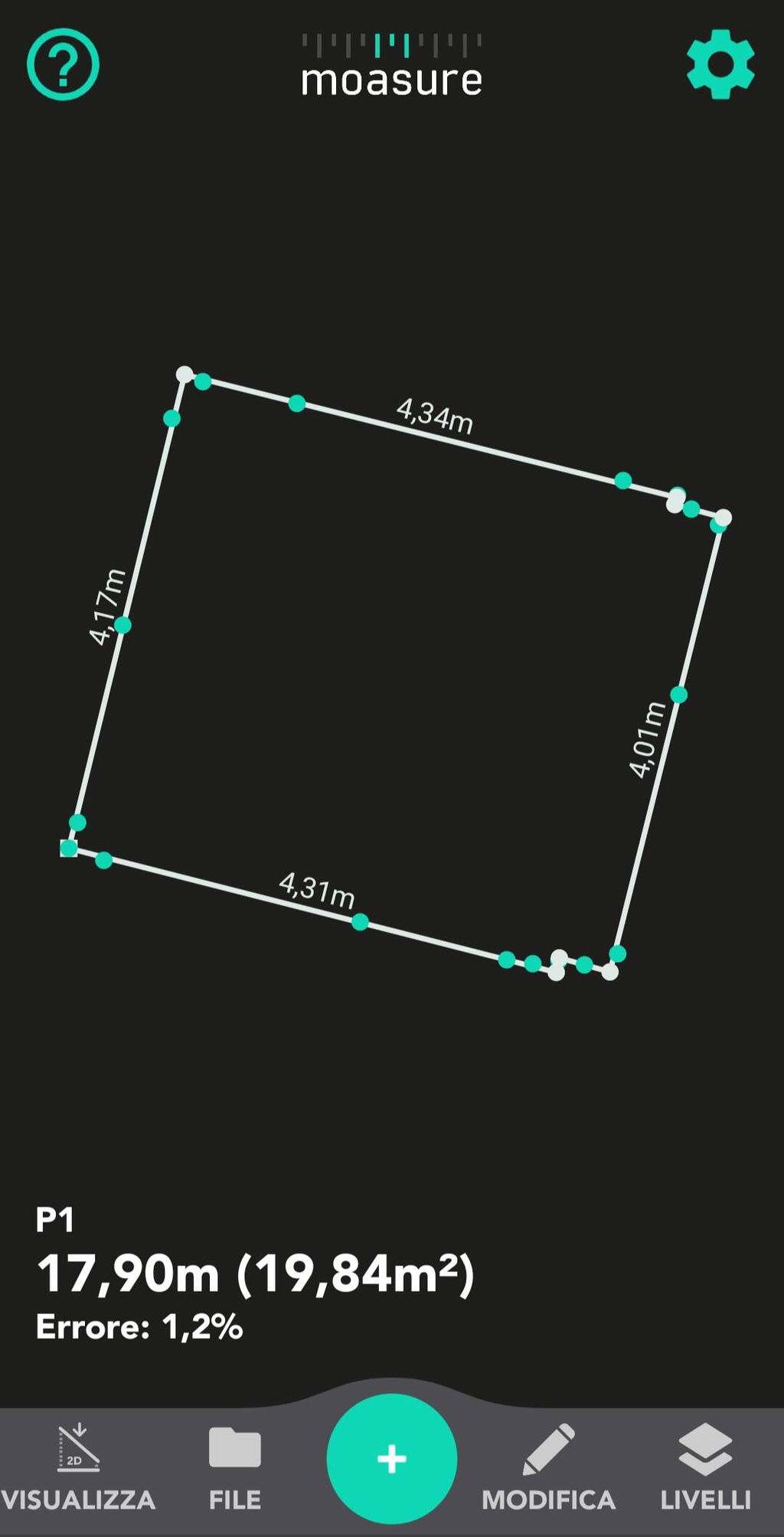
Acquistato per ottimizzare i tempi nell'eseguire i rilievi interni ed esterni di immobili, appartamenti e molto altro. Con il tempo si possono migliorare le tolleranze sull'errore finale del rilievo che si effettua!!
Io lo utilizzo accostando a misure effettuate anche con disto laser per migliorare i rilievi.
Molto comoda ed efficace anche l'assistenza che moasure dedica all'utente finale che utilizza il prodotto! Io ho avuto alcuni dubbi durante dei rilievi e mi hanno aiutato in modo molto celere, dandomi consigli per migliorare..
Lo consiglio a tutti!!!
Ancora oggi mi chiedo come fa a effettuare queste misure!!! TOP
Grazie allo staff moasure.
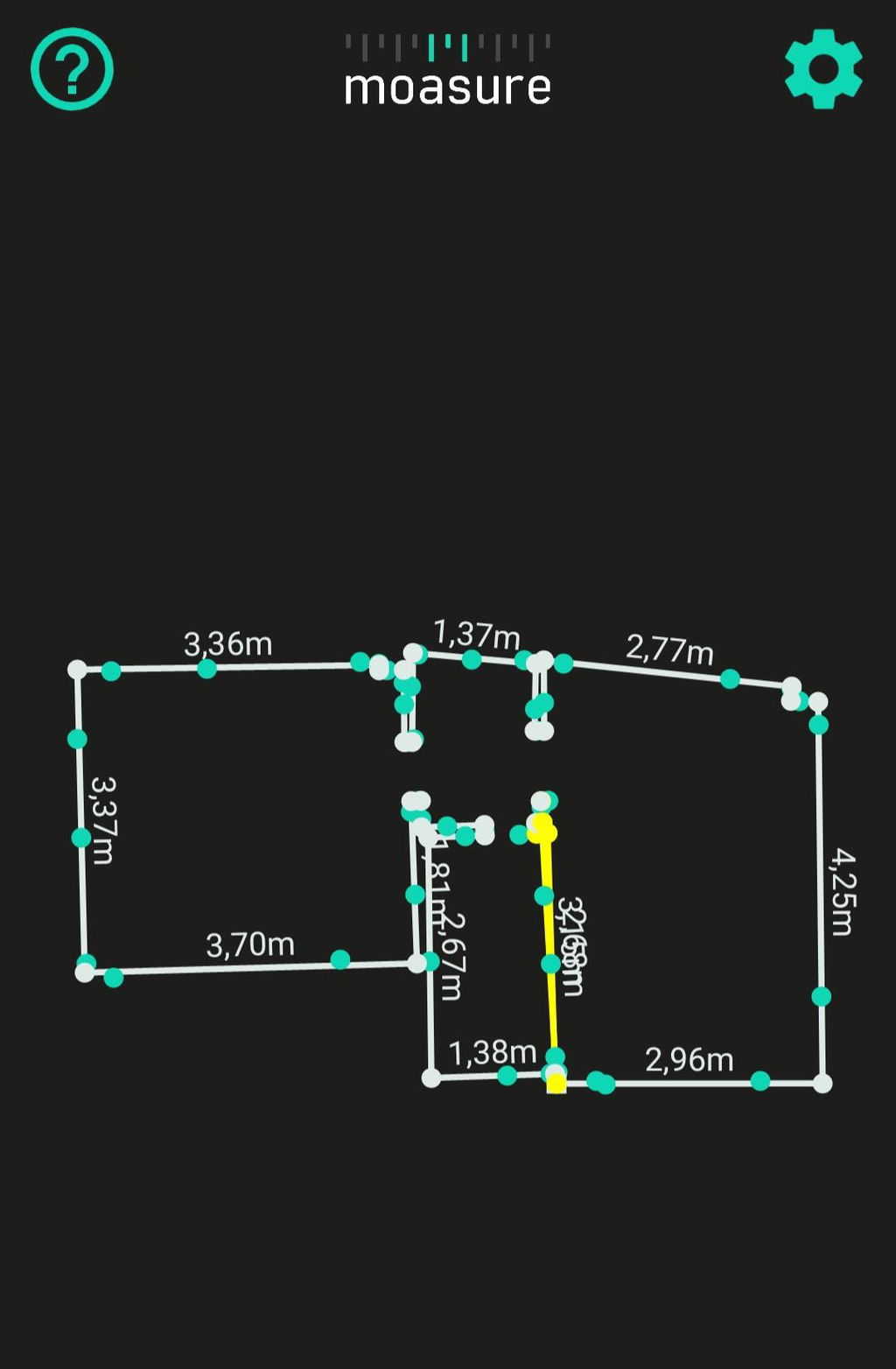
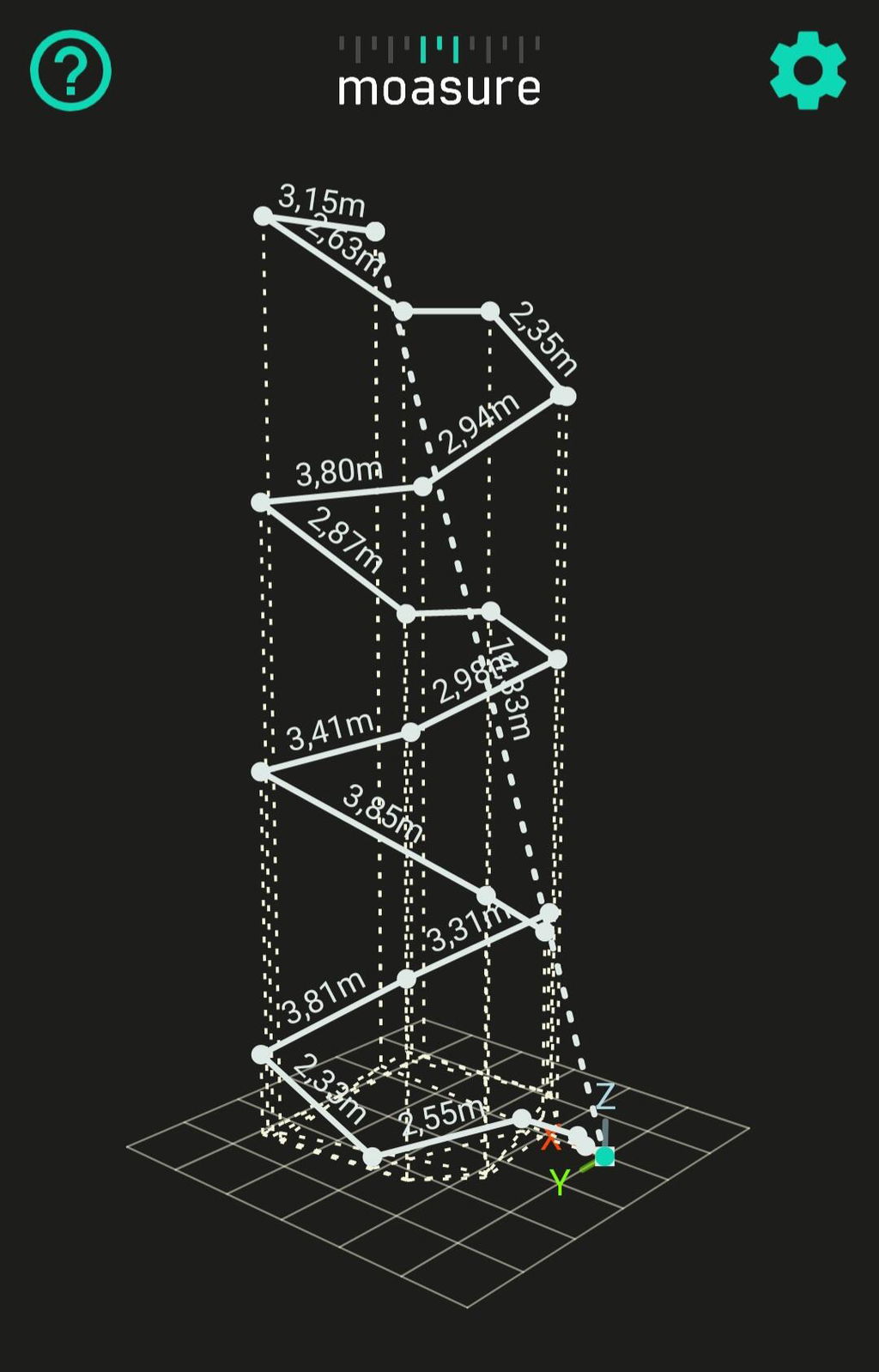
Reviews in Other Languages
How will it work for me?
Discover how professionals across Europe have integrated Moasure into their workflow:
Edit, analyse, and export your measurements inside the free companion app
Review, edit, and export inside our companion app – no subscription required.
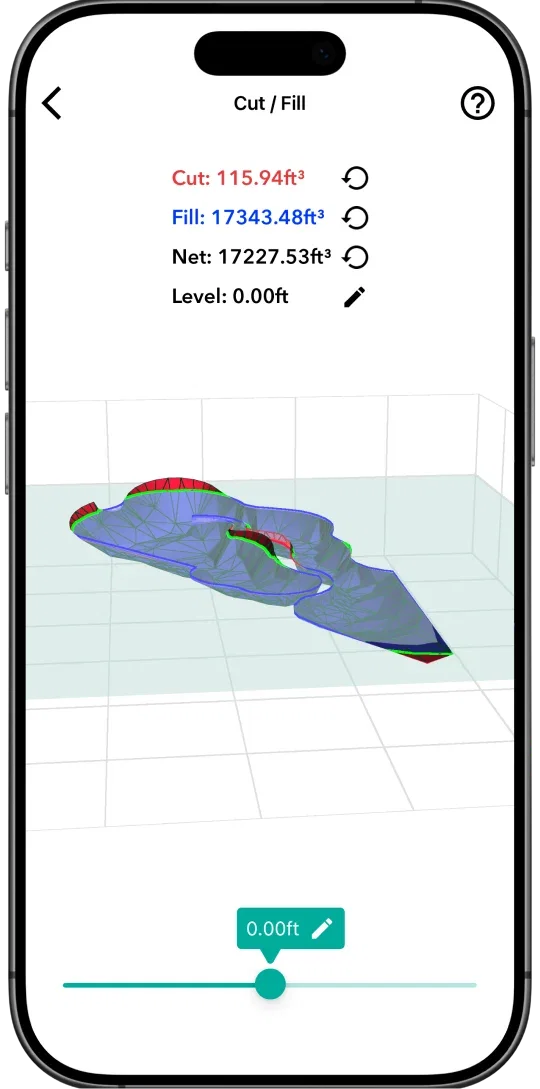
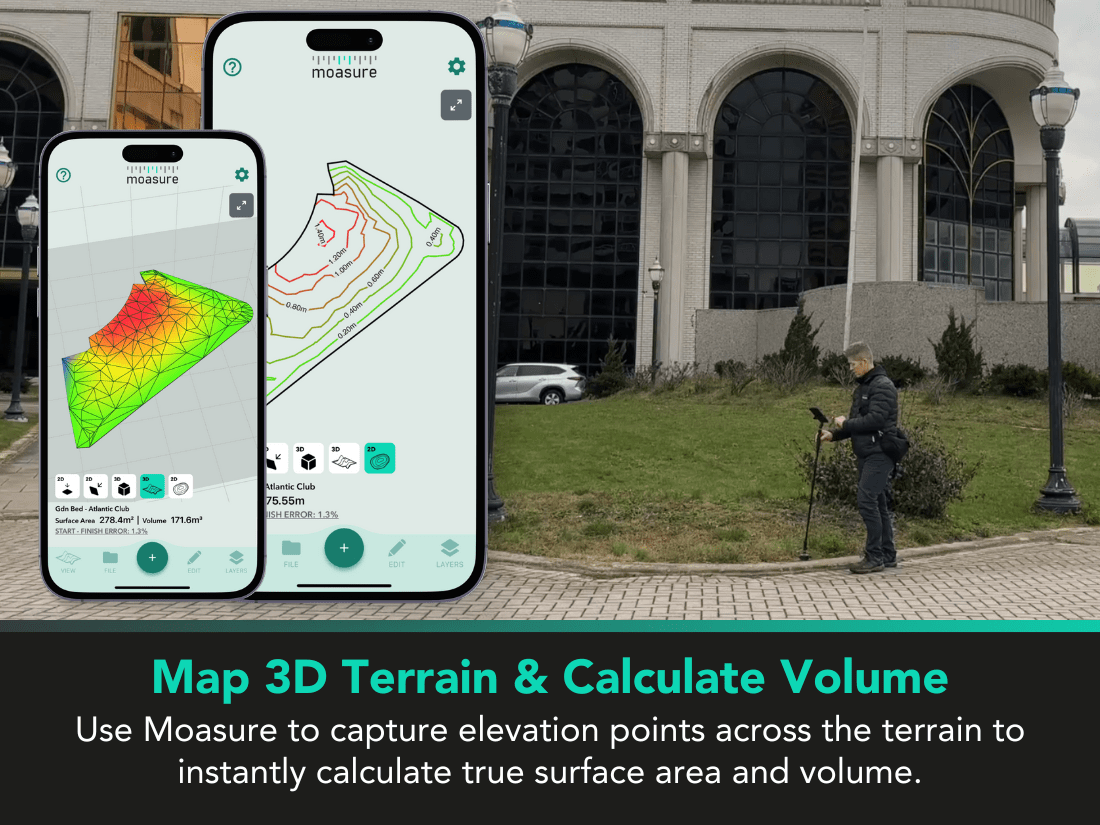
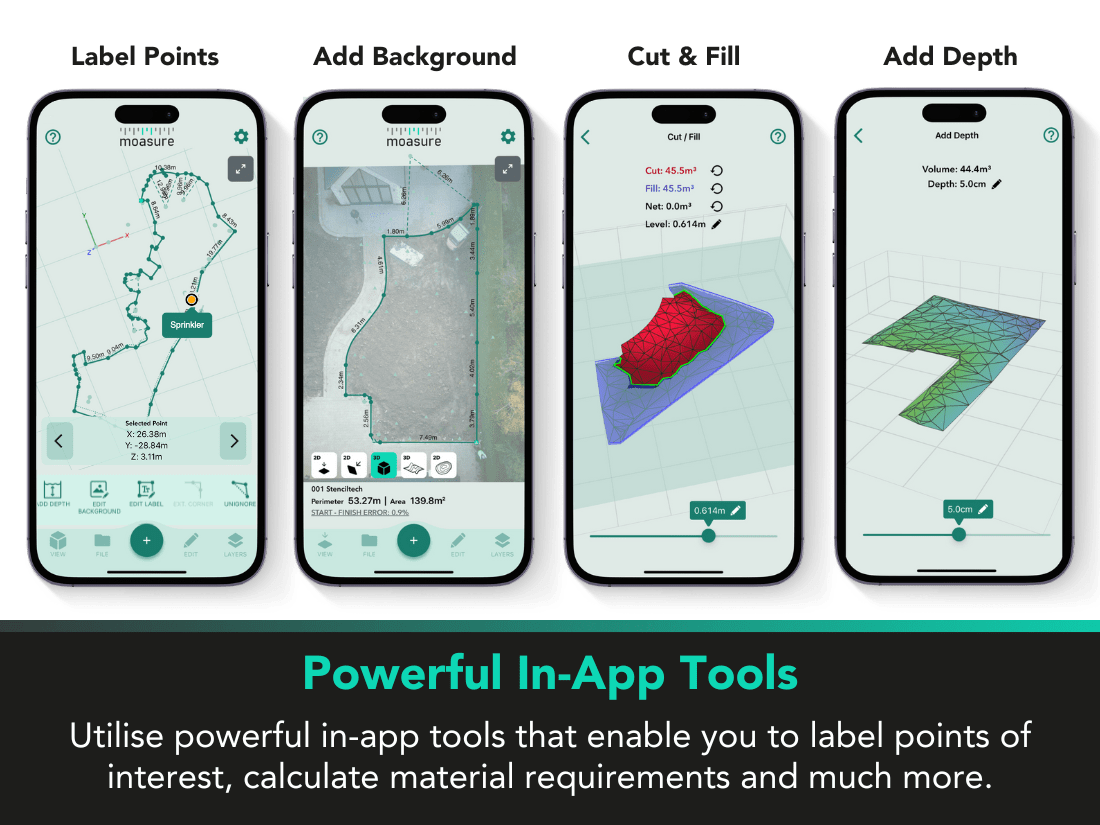
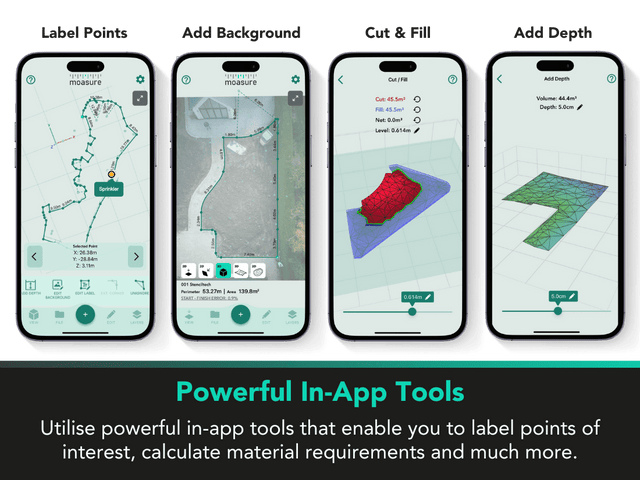
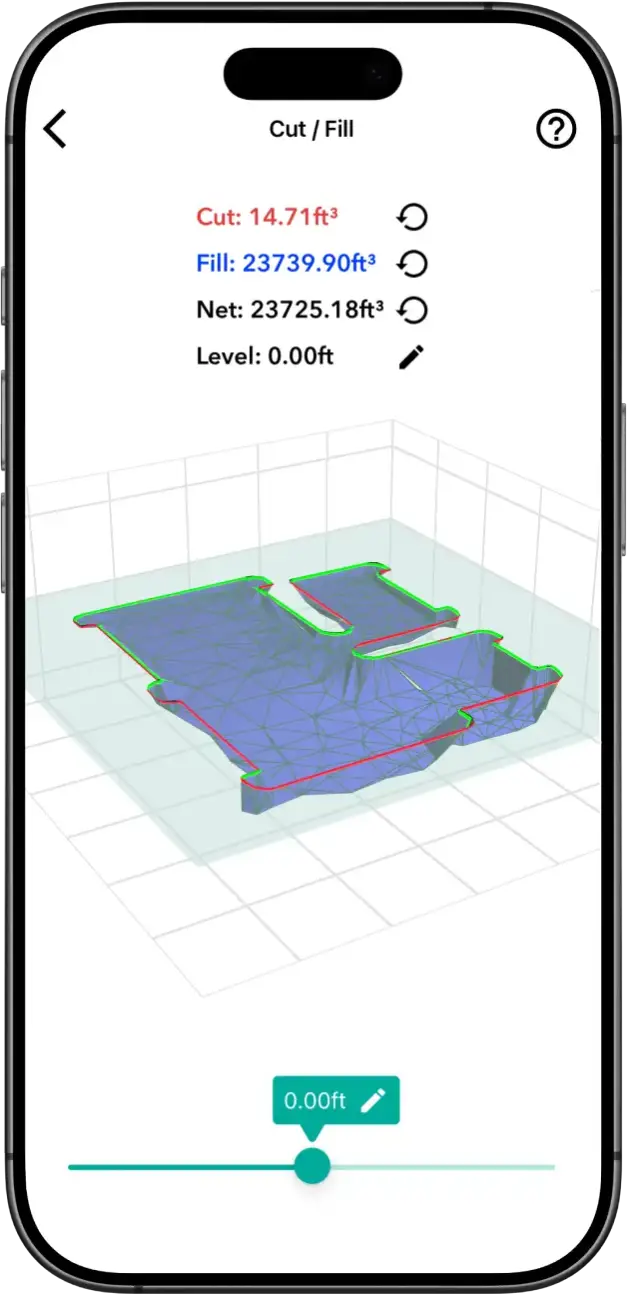
Calculate cut / fill volumes & add depth
Calculate the volume of material to add or remove from a site, or determine the level at which to adjust your site for net zero volume.
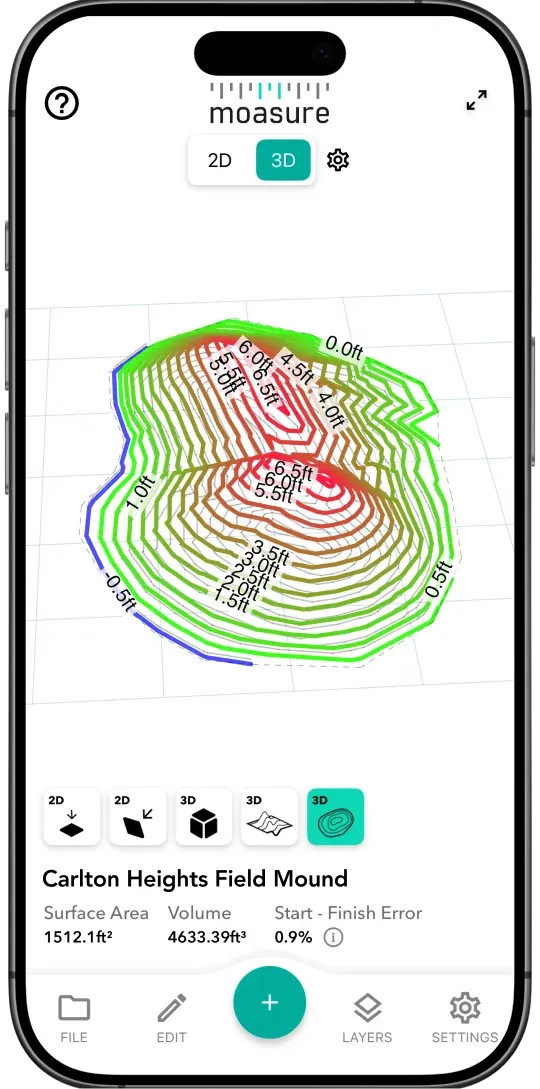
Review in 2D, 3D, or contour view
Choose the best view for the job. Review area and perimeter in 2D, analyse surface area and volume in 3D, or perform topographical surveys in contour view.
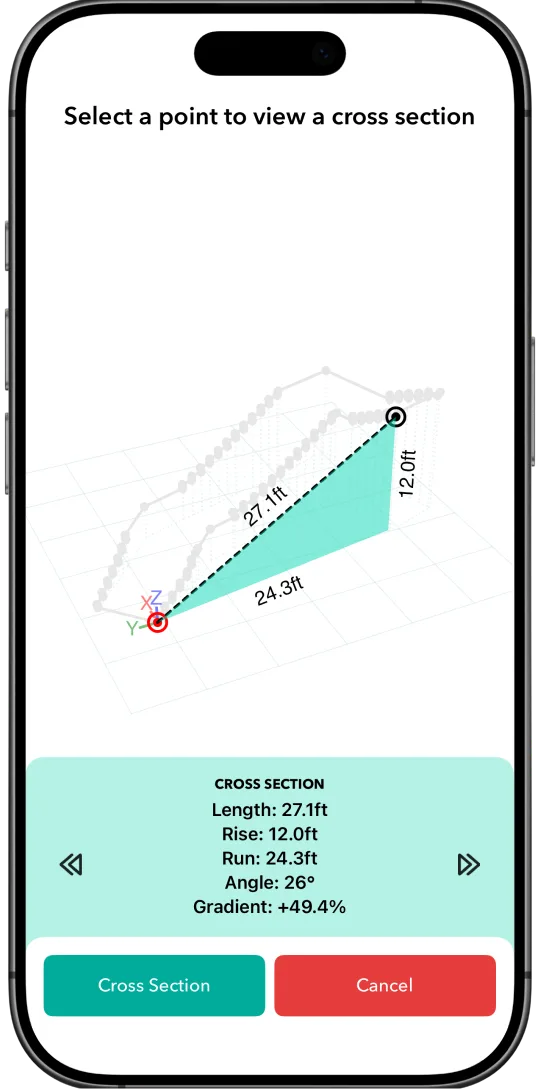
Calculate detailed elevation data
Using the cross section view, calculate the gradient, angle, and rise and run between two points on a site plan.
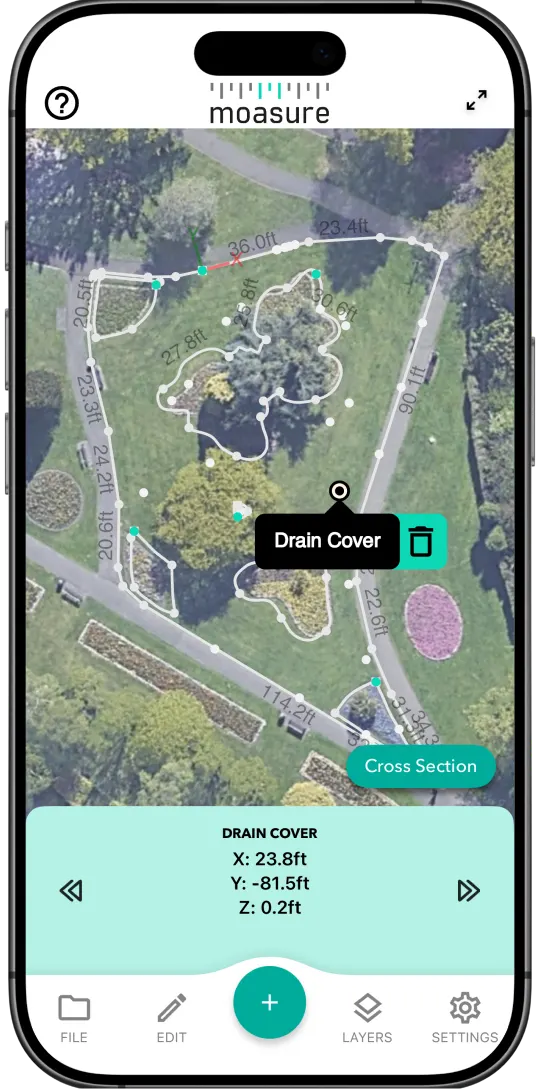
Add annotations and background images
Label points of interest and overlay your measurement on an aerial shot of the area to help clients or colleagues visualise your project.
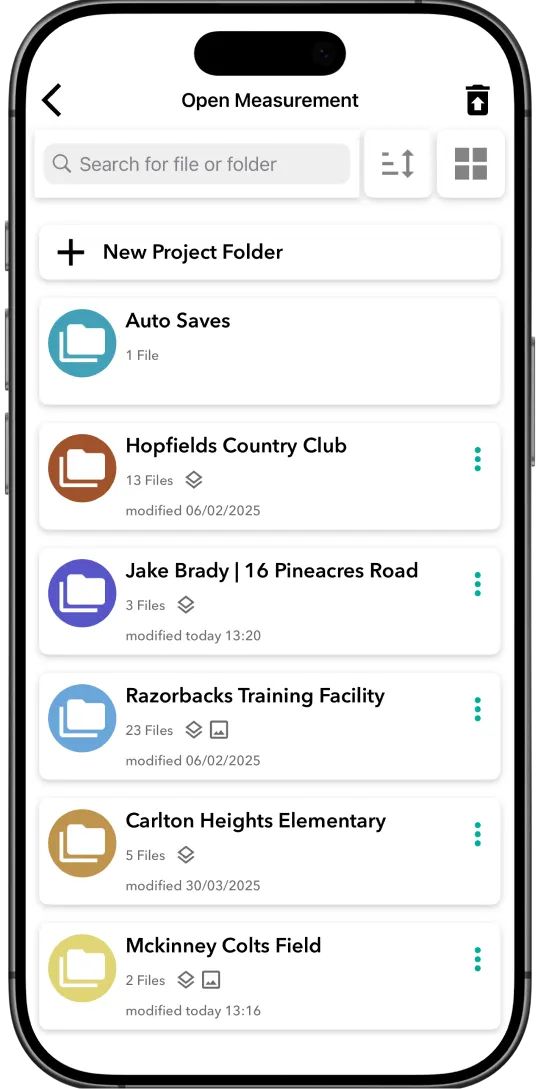
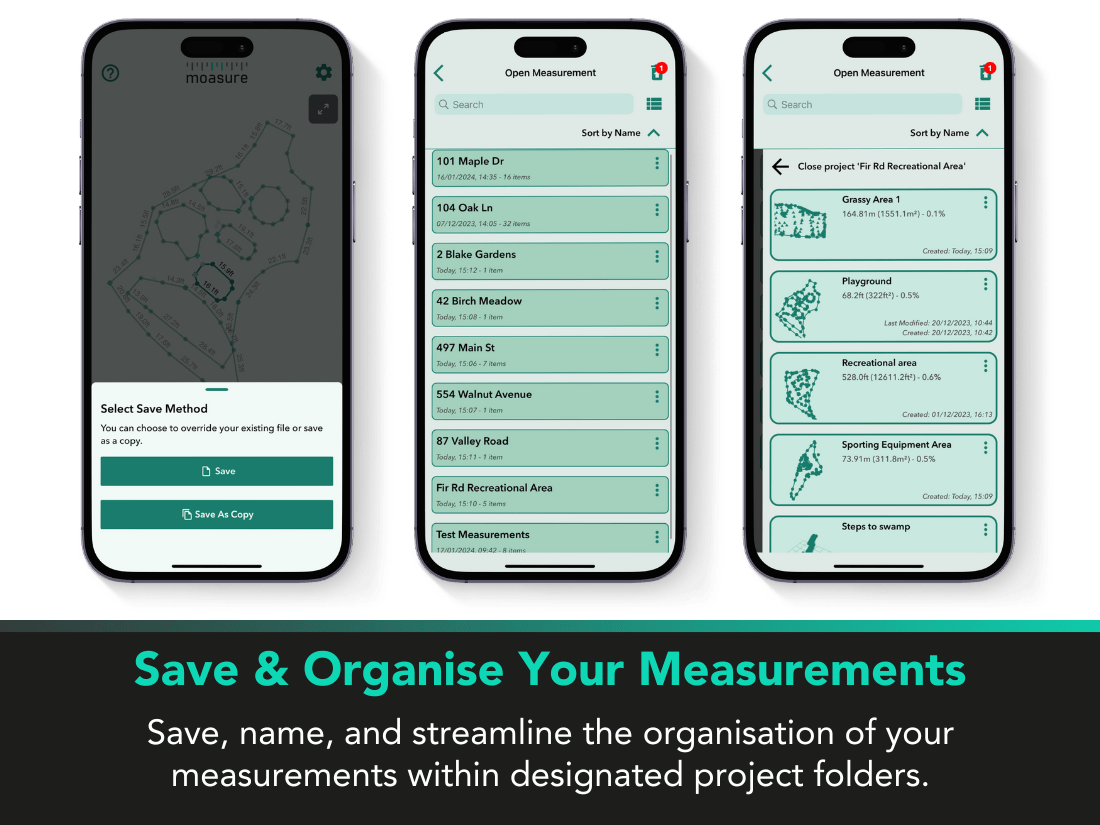
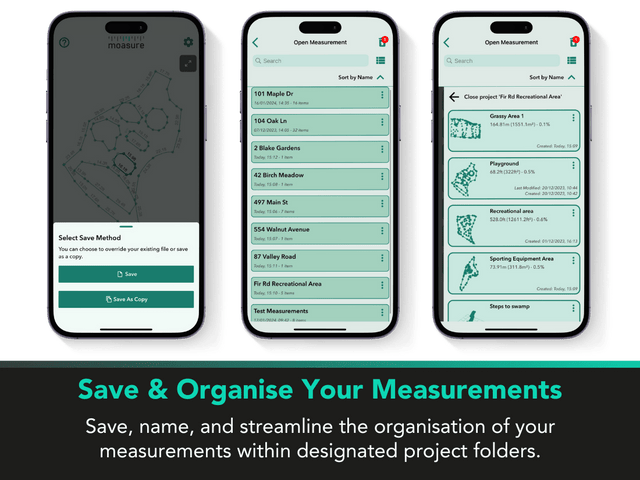
Organise your measurements
Save your Moasure files and organise them into folders all within the app for free.
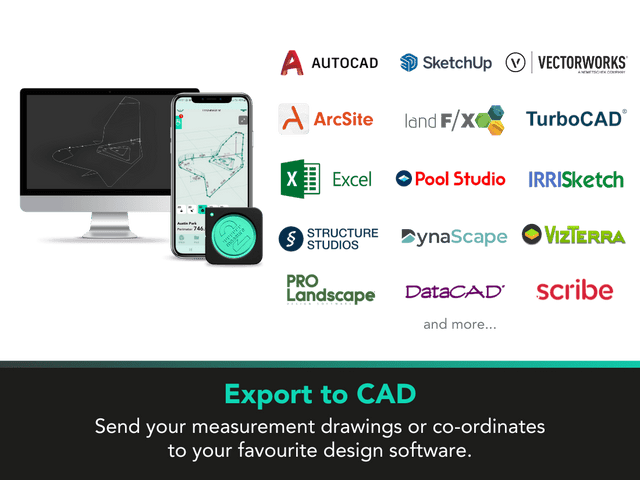
Effortlessly export to your favourite CAD software
Take your measurements from jobsite to CAD platform with our exports
View sample CAD files









Frequently asked questions
Learn more about Moasure's patented motion-based technology.
Linear Distance
±0.3% error
±5 cm over 15 m
Elevation
±0.3% error
±6 mm over 2 m
Perimeter
±0.5% error
±15 cm over 30 m
Area
±1% error
±0.2 m² over 20 m²
Volume
±1.5% error
±1.2 m³ over 75 m³
Layout
±1% error
±0.2 m² over 20 m²
For best accuracy, use correct Moasure technique.
There's no fixed limit to the distance you can measure with Moasure. Instead, there's a limit determined by the available memory (RAM) on your smartphone or tablet.
As this varies across phones and tablets, we quote a 'safe' maximum distance of 300m and a maximum area of 9,000m² to remain within the memory limit of most smartphones.
For areas larger than this, we recommend breaking up the measurement into a series of smaller measurements and stitching them together retrospectively in CAD software.
Some customers have measured distances of 750m and areas of more than 25,000m² in one measurement.
Moasure requires no subscription fees. After your one-off purchase, you receive complete access to our full suite of post-measurement tools, and you can export to CAD, PDF or CSV for free via the Moasure app.
The Moasure app is continuously updated for free to ensure that your Moasure device is supported with the latest tools and features.
We’re currently working on cloud-based storage of your measurements and a web editor, but it’s important to note that these optional features are not required to access all the benefits of your Moasure device.
Moasure 2 PRO is our flagship motion-based measuring tool. Experience up to 50% lower error in measurements – for tighter results on complex jobsites.
Moasure 2 PRO also features Layout Mode enabling you to plot points based on previous Moasure measurements or imported X,Y co-ordinates via a CSV or CAD file.
Moasure 2 is our 2nd generation measuring tool which builds on the success of our now discontinued Moasure ONE device.
Still have questions?
Chat with Moasure Bot.
Our virtual assistant can answer questions about product information, shipping details, and much more.
Moasure Bot
Explore measurements from our community
See real measurements from Moasure users around the world
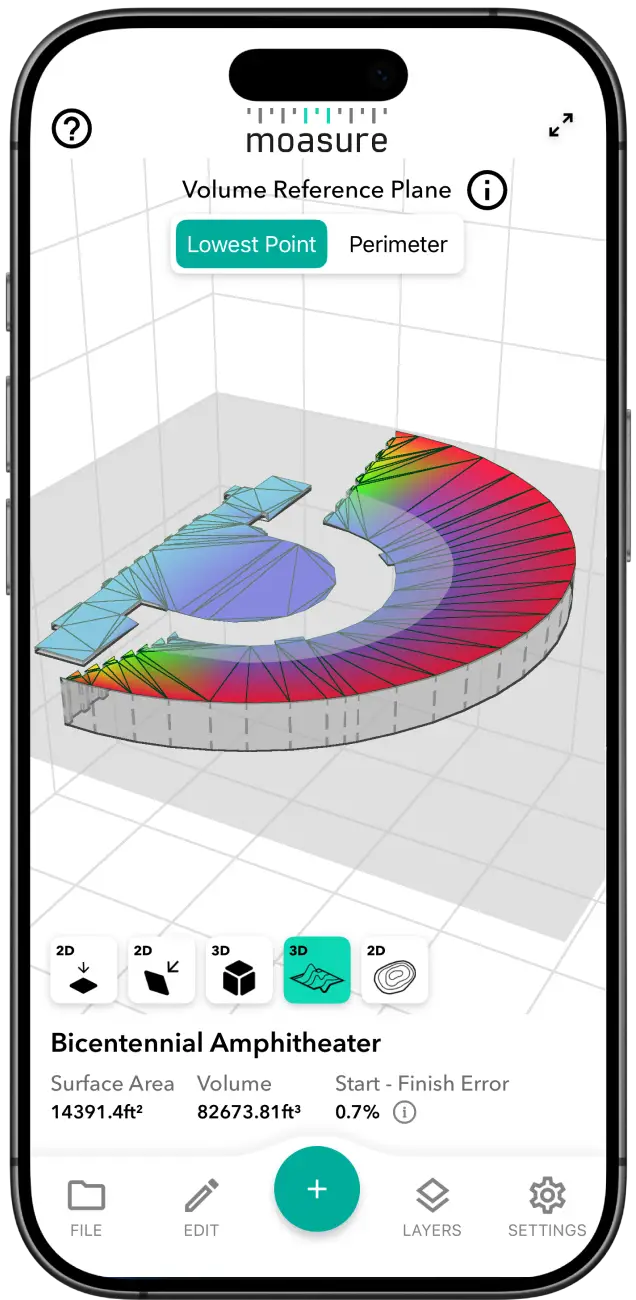
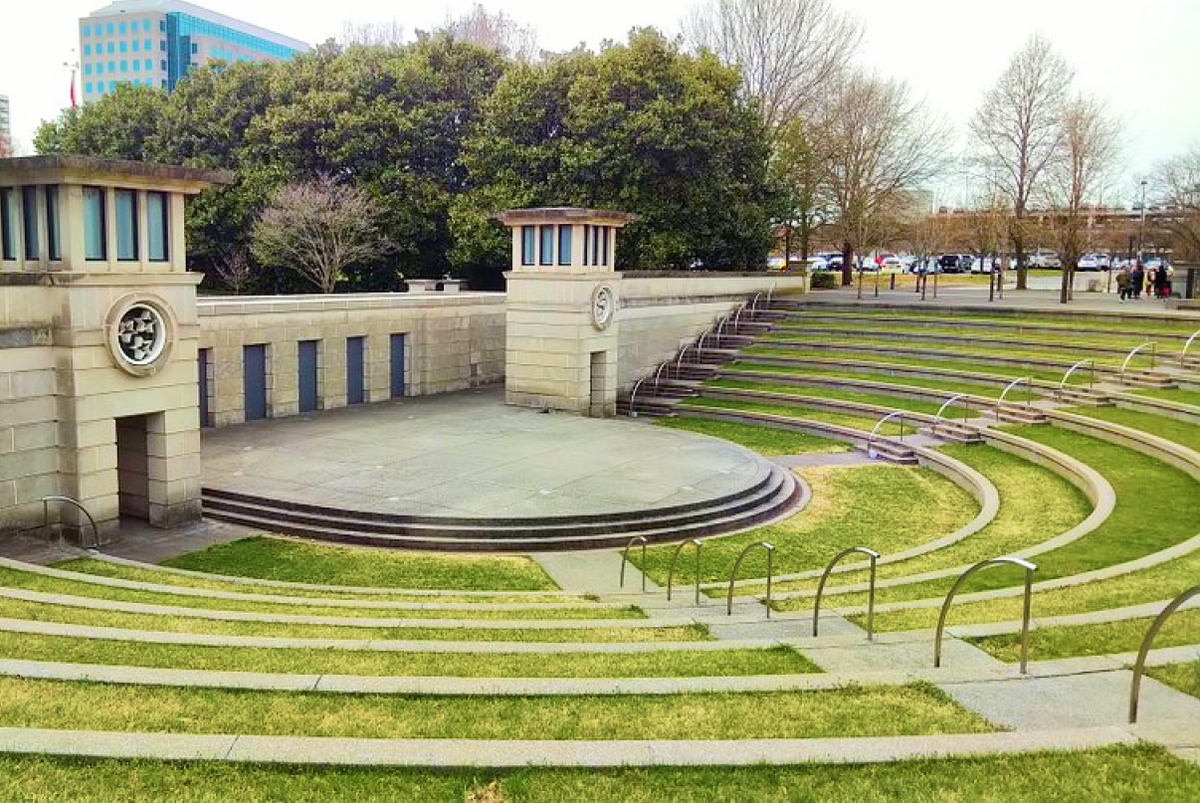
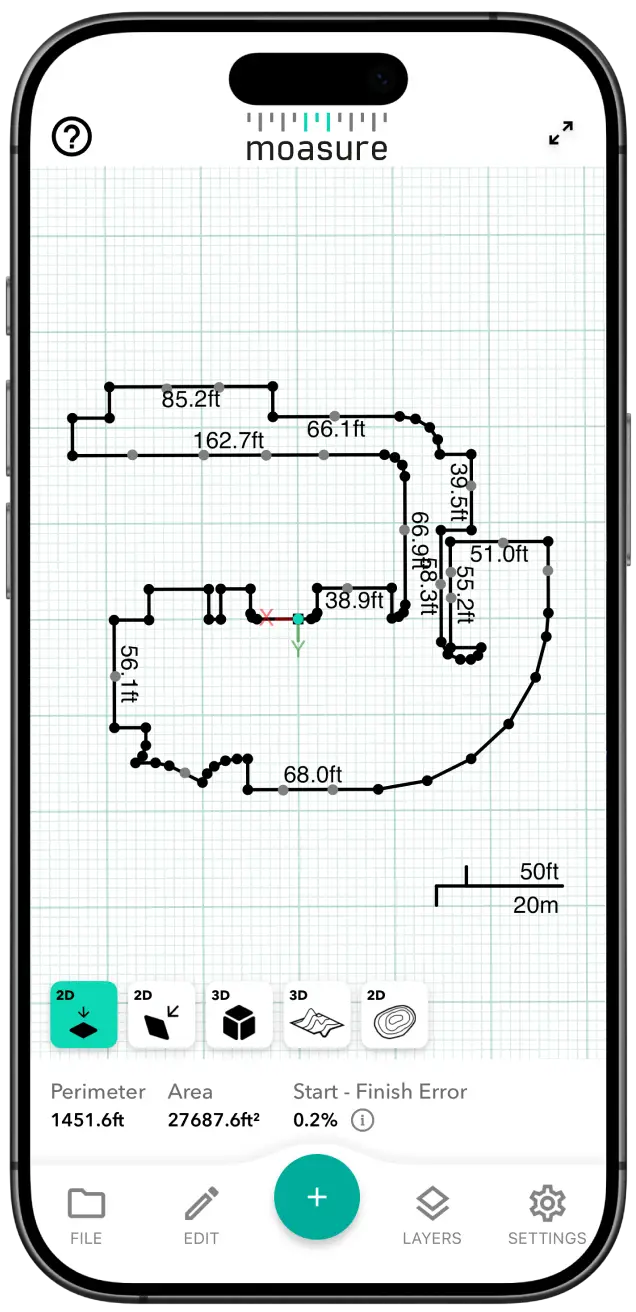
Amphitheatre
Tennessee, USA
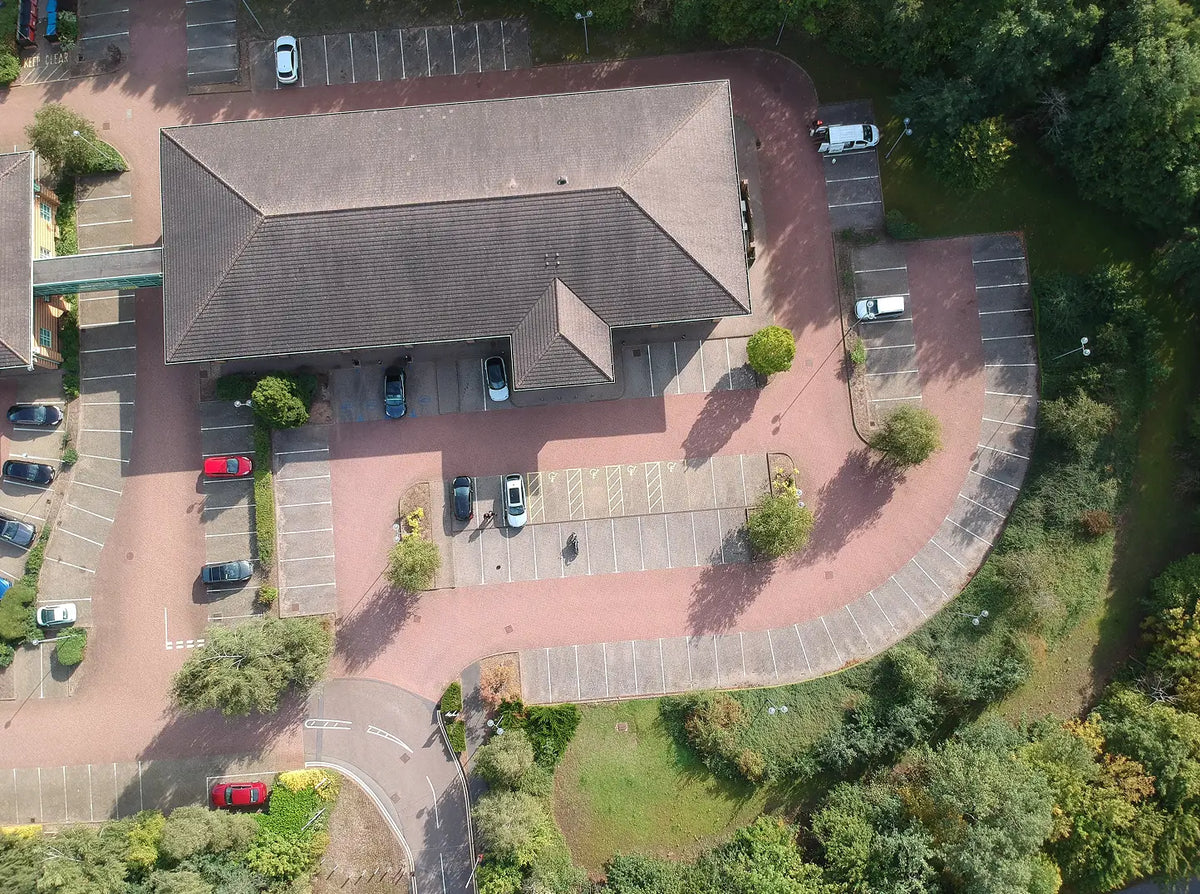
Car park
United Kingdom
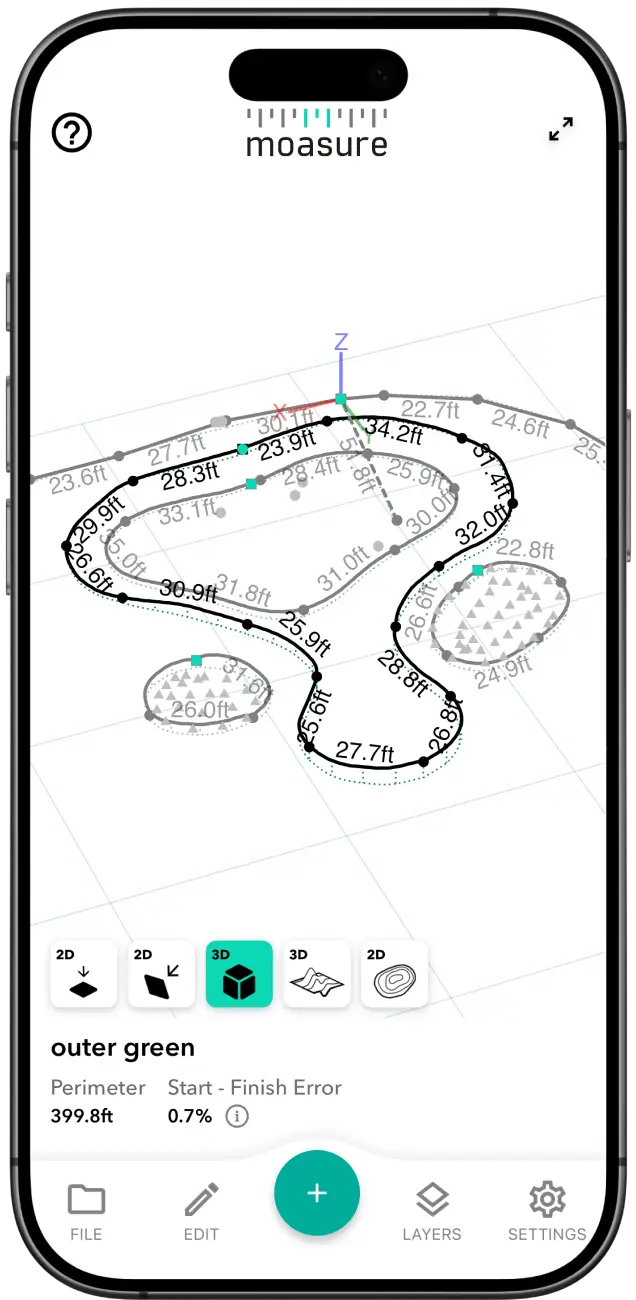
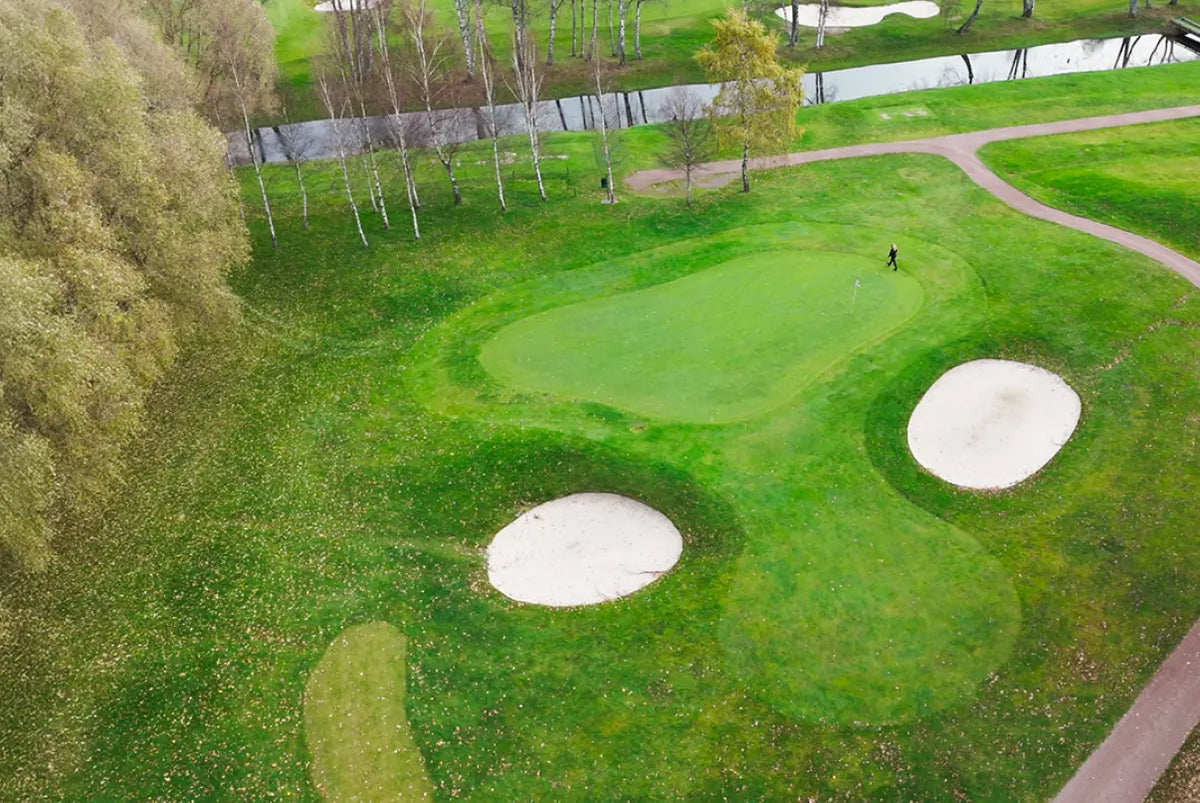
Golf Course
Sweden
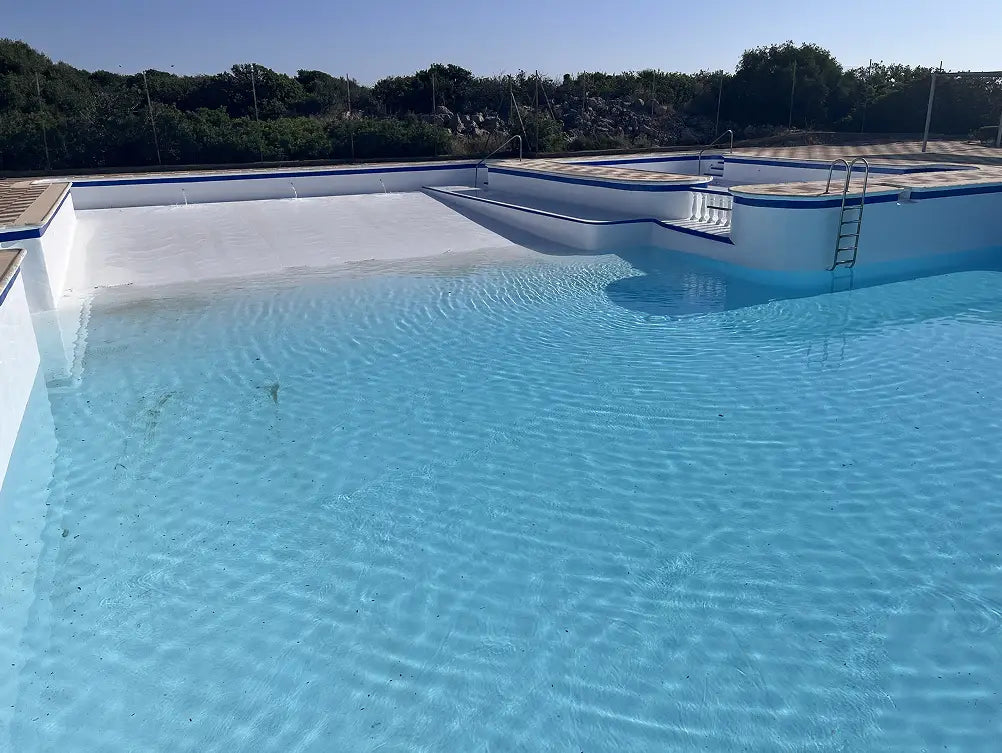
Swimming Pool
Spain
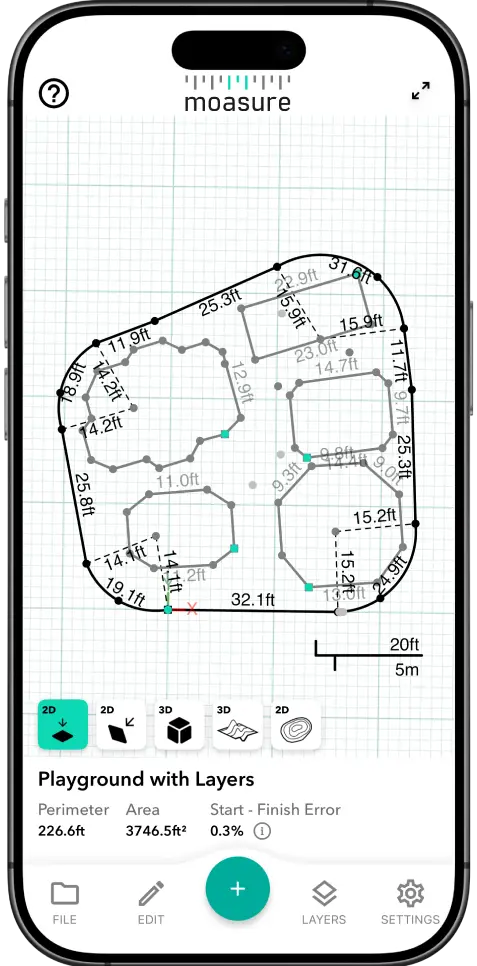
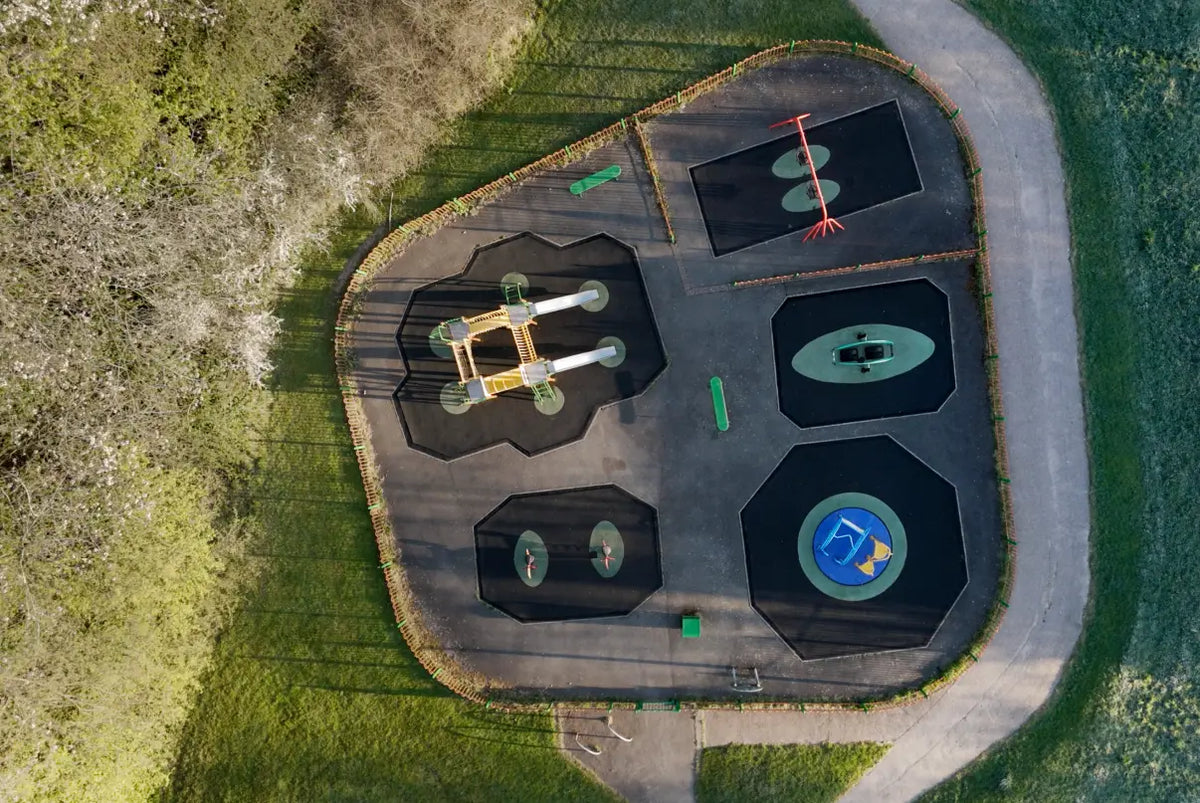
Playground
United Kingdom
Moasure 2 vs. Moasure 2 PRO
Understand the differences between our Moasure 2 Series range.
Choose a feature to compare
Accuracy
Moasure 2
Linear Distance: ±0.5%
Perimeter: ±1%
Area: ±2%
Volume: ±3%
Elevation: ±0.5%
Layout: Not available
Moasure 2 PRO
Linear Distance: ±0.3%
Perimeter: ±0.5%
Area: ±1%
Volume: ±1.5%
Elevation: ±0.3%
Layout: ±1%
Achieve up to 50% more accuracy and improved consistency with Moasure 2 PRO. This helps you to achieve tighter tolerances and reduce material waste.


Layout Mode
Moasure 2 PRO exclusive
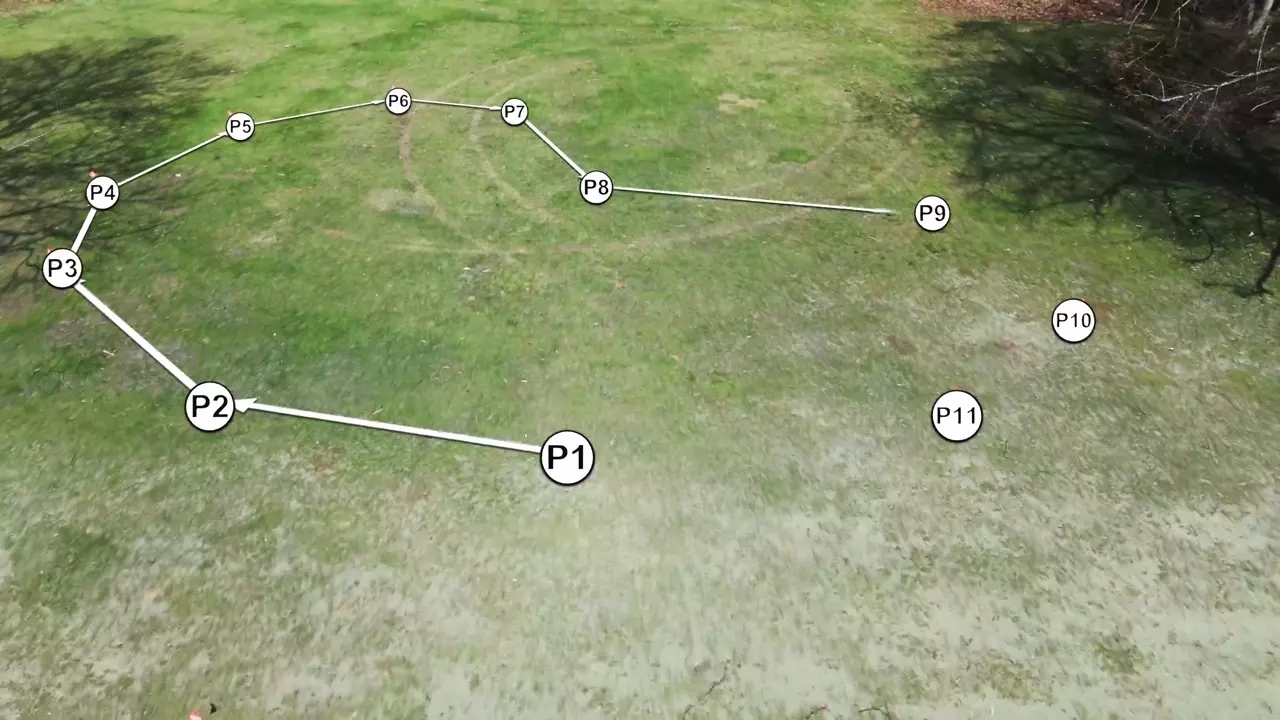
Locate entered X, Y points with Layout Mode on Moasure 2 PRO.
Try Moasure for 60 days
Moasure is a completely new way to measure. Try it on real jobs – and if it’s not right for you, send it back for a full refund.

Getting started with Moasure
We're with you every step of the way to get the most out of your Moasure:
In-depth user guide
Video tutorials and webinars
In-app support from our customer support team
Maximise your accuracy
Download sample measurements
Download measurements made with Moasure and import it to your CAD software.
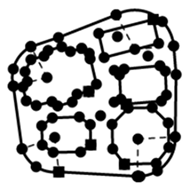
Playground with layers


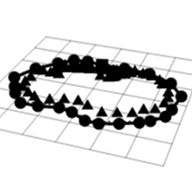
Mound with volume
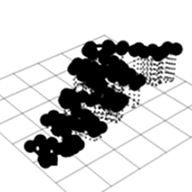
Path with elevation
Moasure’s DWG and DXF files are supported by all major CAD platforms.
The world’s first motion-based measurement tool
Moasure’s award-winning technology combines advanced algorithms and the motion sensors.
100,000+
Units sold worldwide
480,000+
Kilometres measured
90+
Countries shipped to